
How does a minimal blueprinting for teaching look like?
In short: a simple blueprint inspired by the practical blueprinting method is a great way to keep an overview of a series of classes including: who teaches what, who are the special guests, what are the readings for the learners, etc.

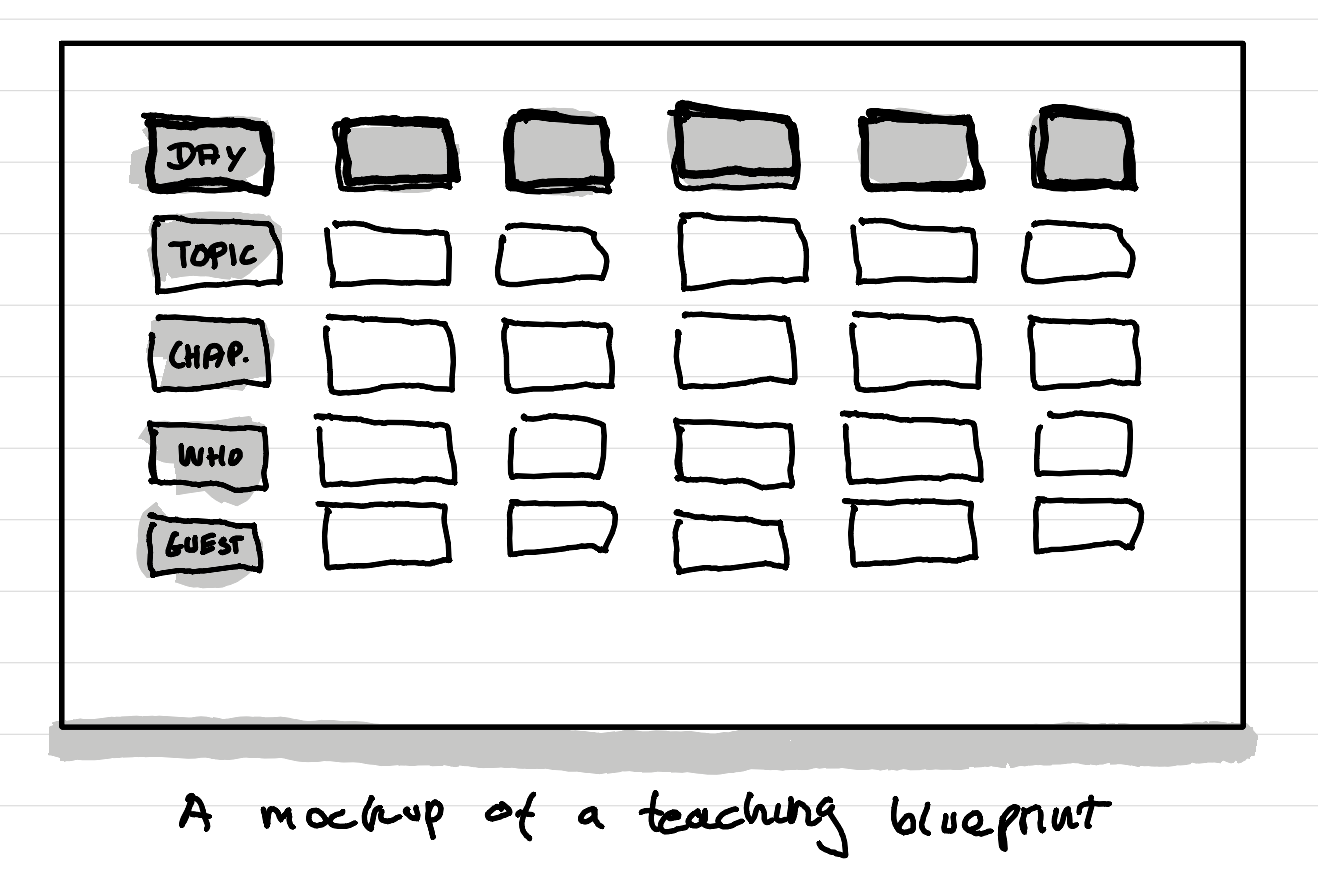
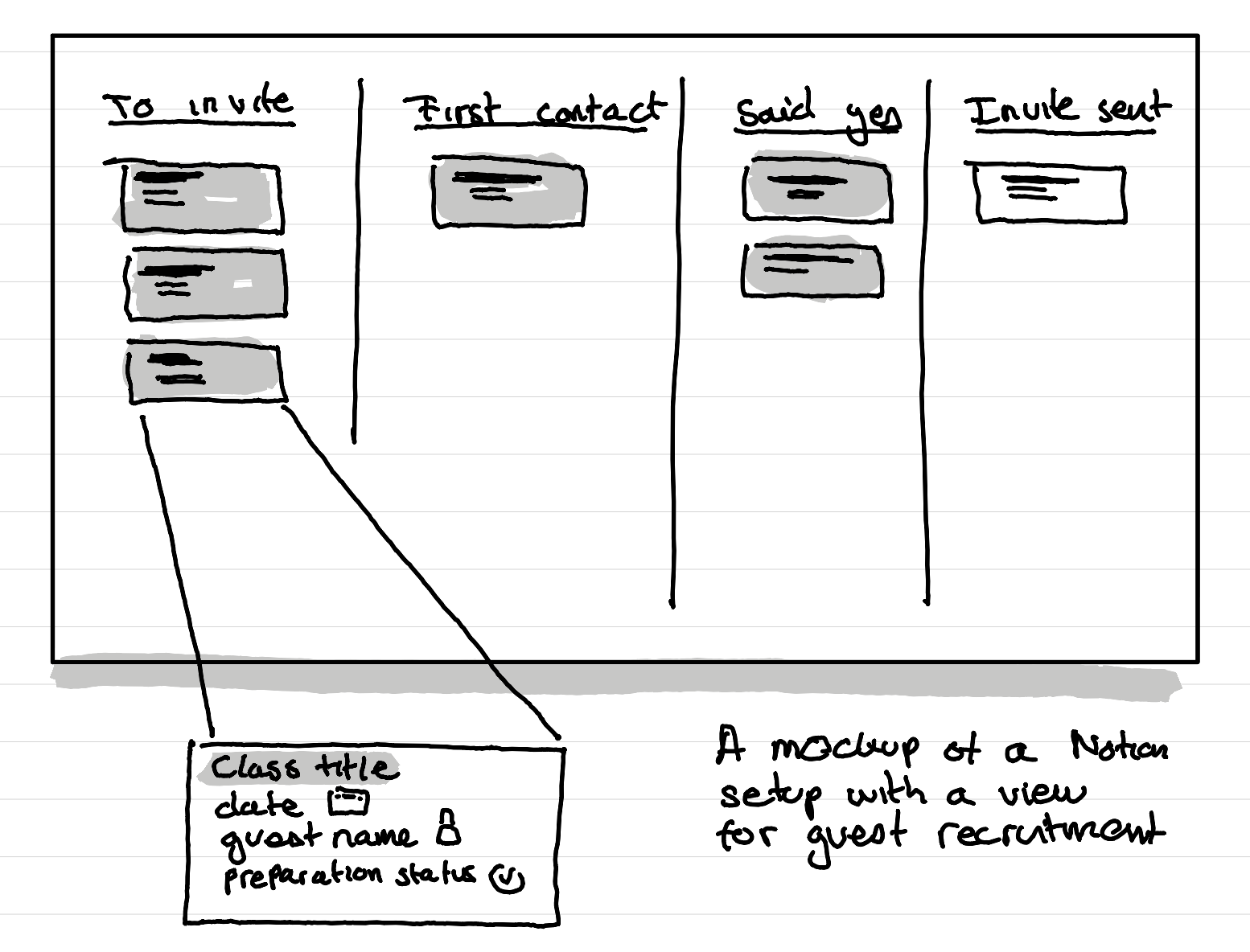
I like to have used such blueprints in two formats: a quick and dirty Miro board (great for quick planning) or a more fleshed out Notion database shown ina Kanban view that shows me the different stages of preparation. This is especially useful for me to track the stage of my recruitment of external guests.
How to make this better?
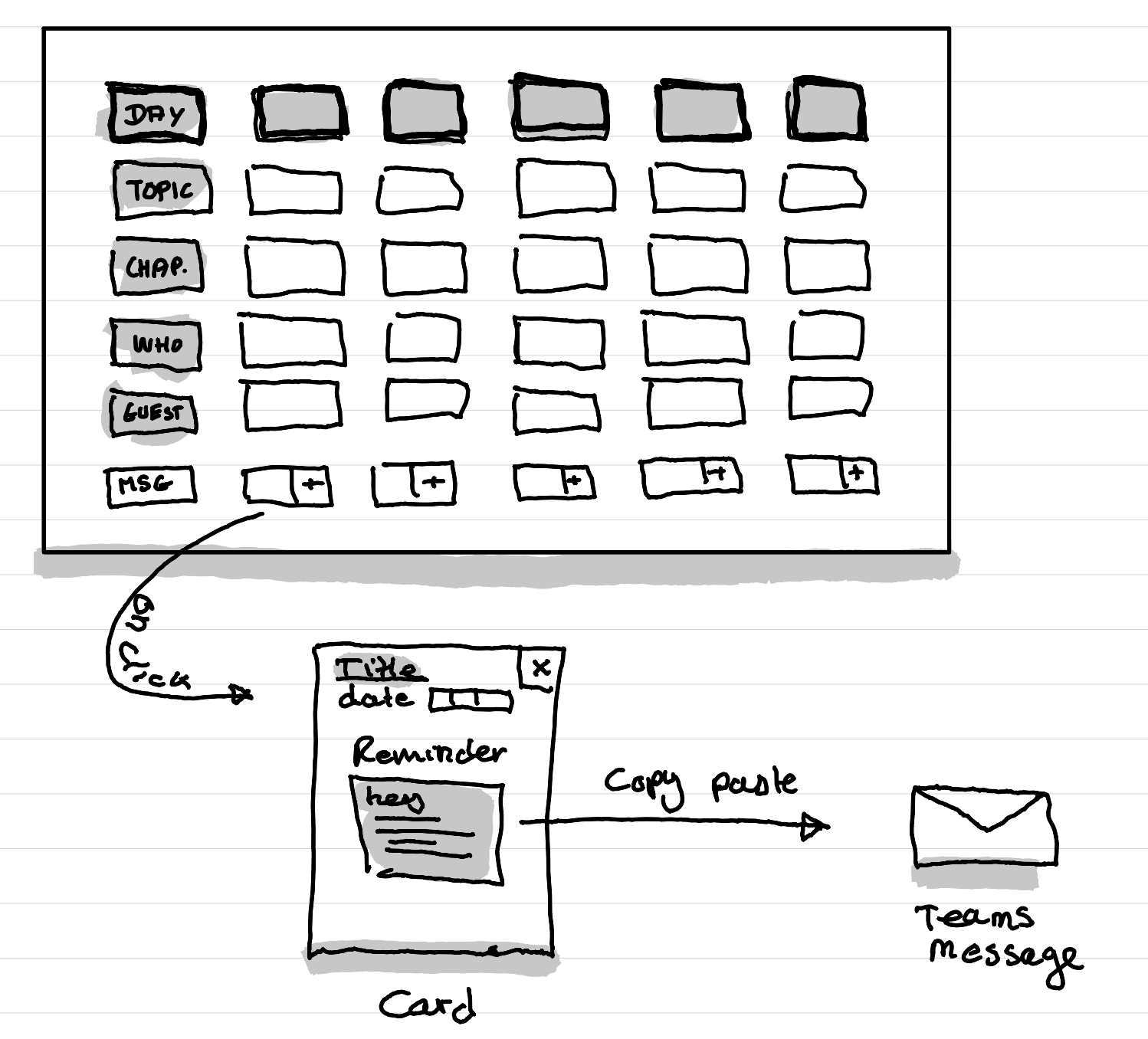
I think in the future I'll use more Miro this kind of stuff with a twist inspired by Notion: using the "cards" feature so that I can then also have a card "messages and reminders" which then open with a full text editor where I can write in advance the reminders and messages for the learners, because sadly Microsoft Teams doesn't allow me to schedule messages more than a few few days in advance. And as I plan my courses months in advance (including all the messages and reminders) I need a place to store these things so that I can quickly copy and paste reminder messages when it's the day.
What are things a course blueprint can contain?
Like a service blueprint, especially one inspired by the "practical blueprinting" approach, you can really customize the building blocks to your needs. Here a few ideas of blocks that can be useful and that I've found useful in the past:
- teacher
- guest speaker
- topic
- category or track: to see it the course is well balanced
- readings
- status of preparation: for example "outline done", "slides ready", "archived".
- status of guest recruitment
This article was written and illustrated by hand on a refurbished Remarkable II tablet. The handwritten text was converted to typed text with the Connect Service by Remarkable. If you are curious you can download the original note below.
Related articles
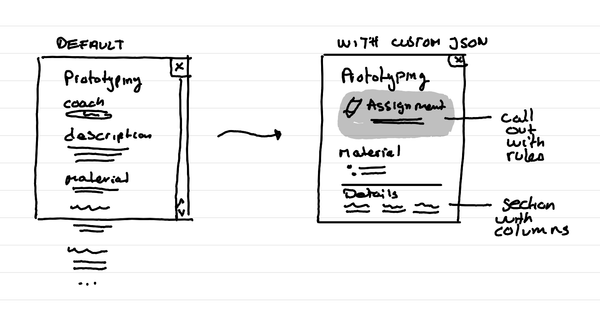
How to format Microsoft Lists for a course schedule so that it doesn't suck?
In short: with custom JSON code, that you can ask an LLM to help you write, you can adapt how the details of a session in your course look like.
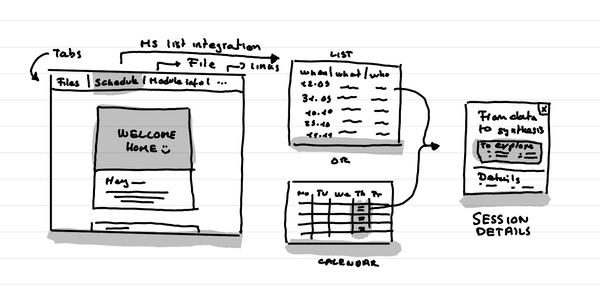
How to create a small course hub in a teams channel
In short: Use tabs to link to key documents, and resources. Use Microsoft List as an integration to put the schedule that shows as a list or a calendar.
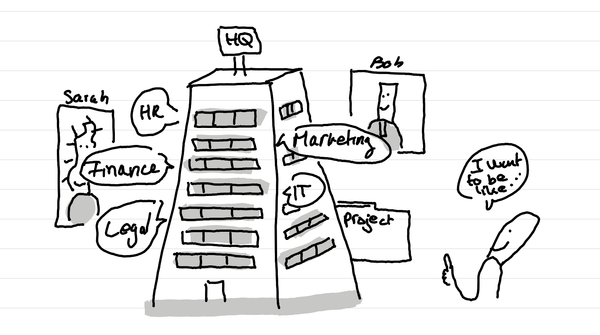
Why do I love big organization HQ tours in Service Design education?
In short: access many nerds in one go who are in the thick of it with different professional postures. And it can lead to projects for learners.