
How to format Microsoft Lists for a course schedule so that it doesn't suck?
In short: with custom JSON code, that you can ask an LLM to help you write, you can adapt how the details of a session in your course look like.

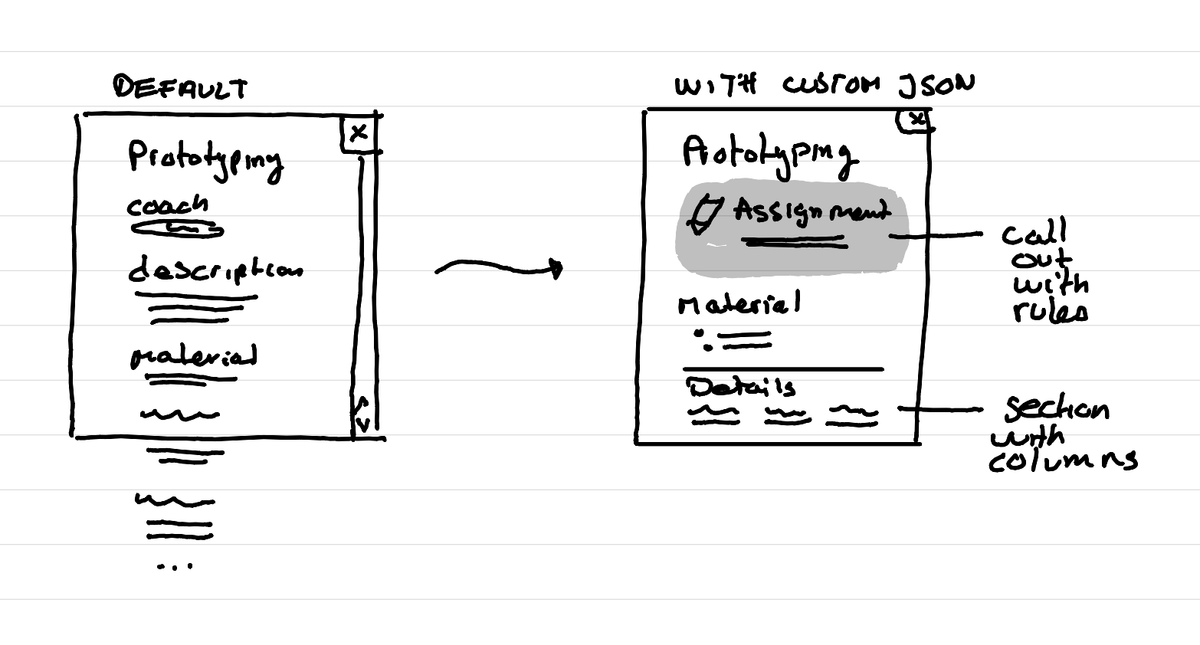
Microsoft List can be a nice way to add a course schedule or program in the Teams channel of your course. That's how we are playing with it at the Master Service Design of the HSLU these days.
The problem: the default layout sucks
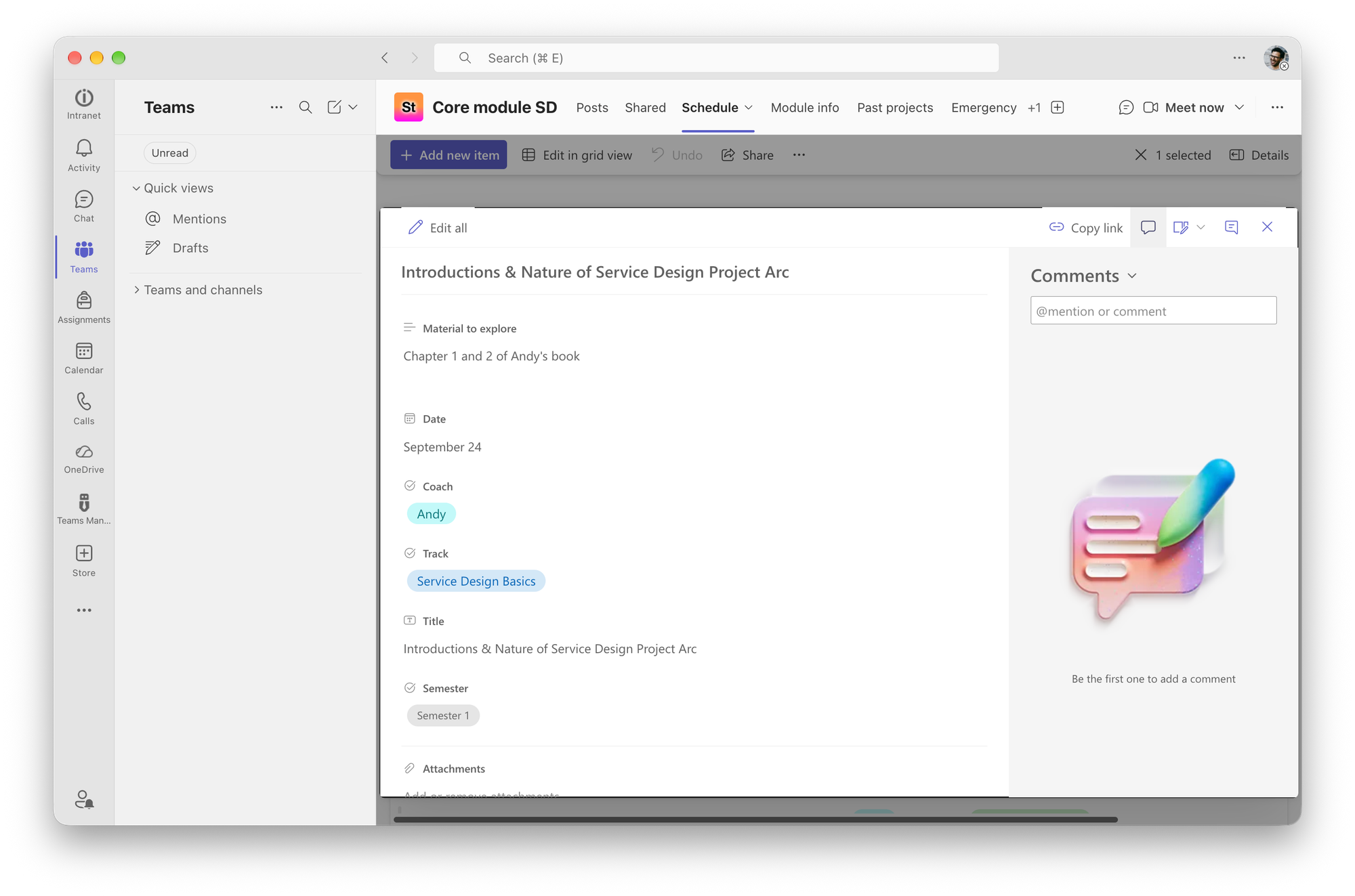
The lists and calendar look okay, but when a learner opens a specific day to see the details, the default layout just isn't optimized. It's all in one column and has little emotion.
The solution: JSON code
The hacky nature of Microsoft tools make it so that weirdly you can add custom JSON code to adapt how the header, body and footer of an open list element looks like.
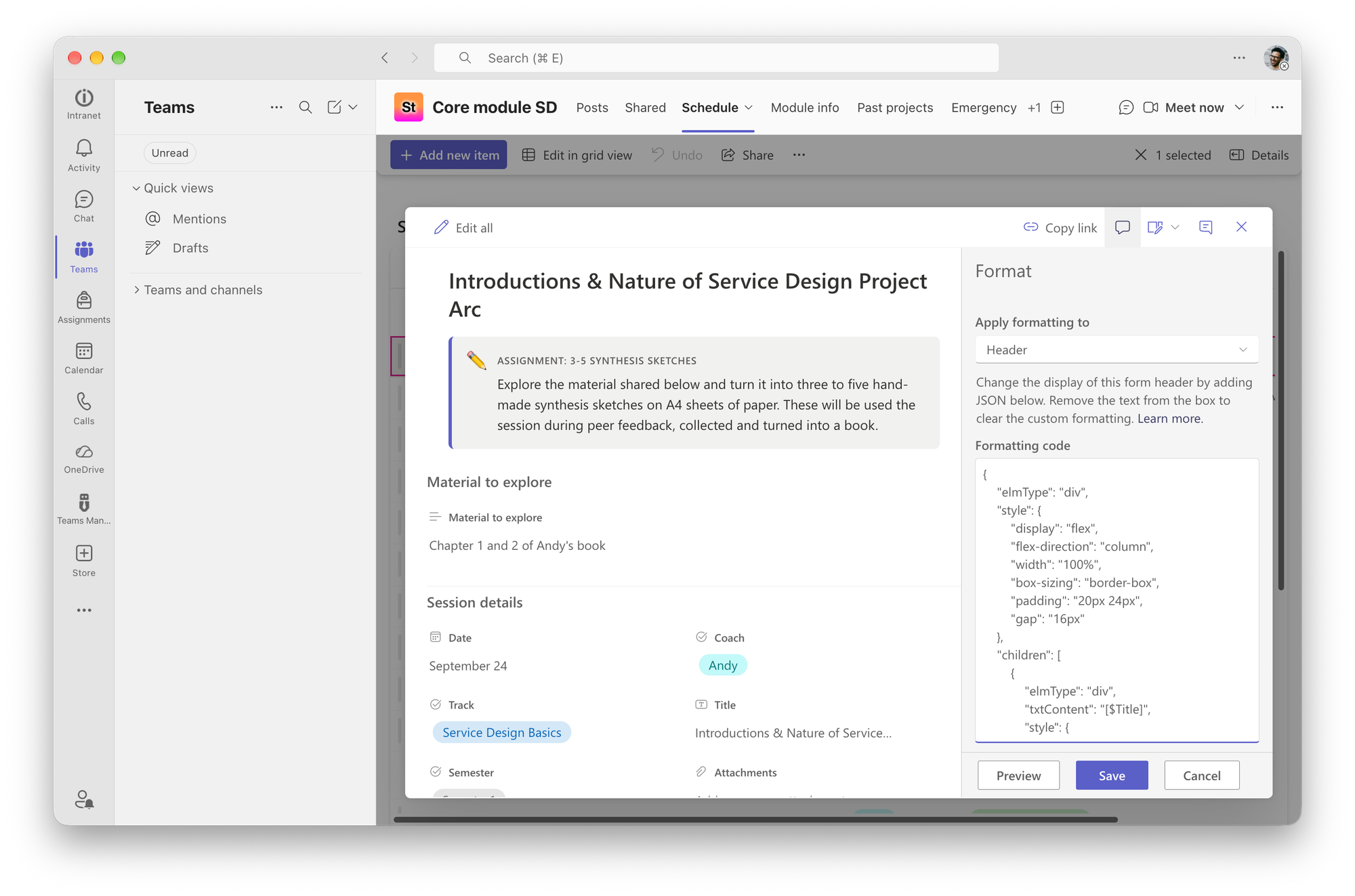
You can learn how to write that JSON code yourself, or you can just ask once any AI tool to write that code for you by sharing to it the official Microsoft documentation.
The before and after
Here's how a day in the schedule looks like when open without the custom code:
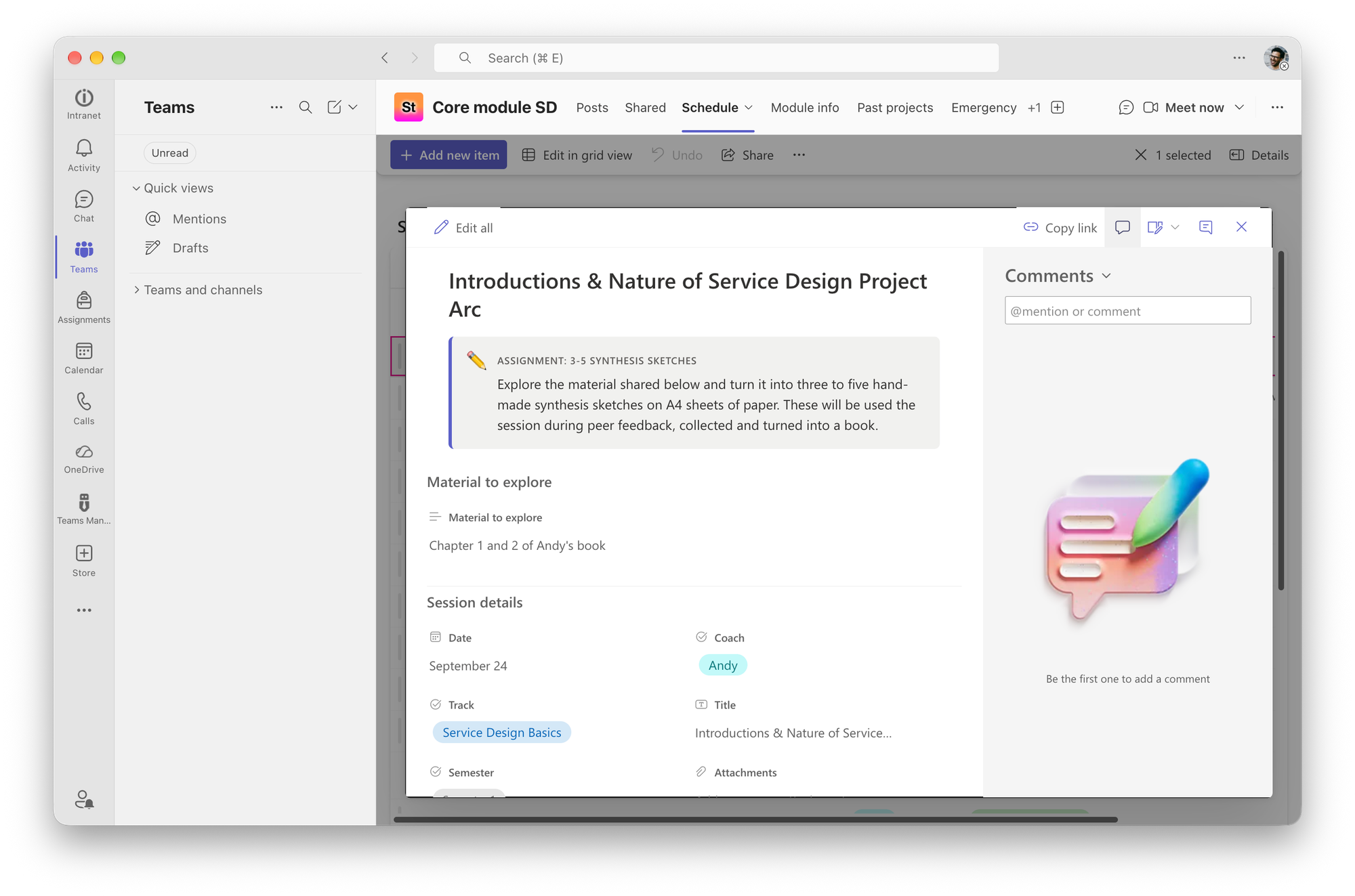
And here is how it looks like with the custom code:
Fun things you can create
The JSON code for the header has a rule that looks if the course material field has data in it, and if it has it shows then a call-out with what learners should do with this material
As this text is basically each time the same, it's a nice way to show that text quickly.
A more basic thing, but nice in terms of layout, is that you can create sections where the fields in this section are then displayed in columns.
The limitations I discovered
As always with these types of hacky things it's limited in strange ways:
- The header can have rich styling, but people can't select the text in the header
- The body can't have rich styling
- You can't hide elements like the attached documents or the comments
This article was written on a refurbished Remarkable II tablet with a type folio cover. The illustration was made drawn by hand on the same tablet.
Related articles
How to create a small course hub in a teams channel
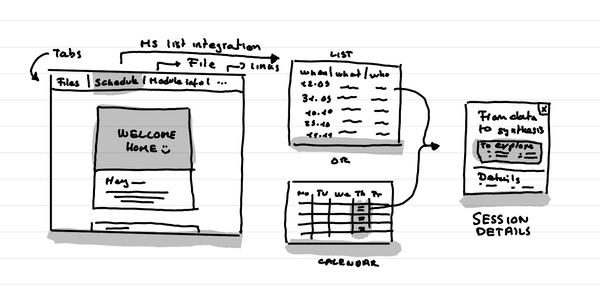
In short: Use tabs to link to key documents, and resources. Use Microsoft List as an integration to put the schedule that shows as a list or a calendar.
Why do I love big organization HQ tours in Service Design education?
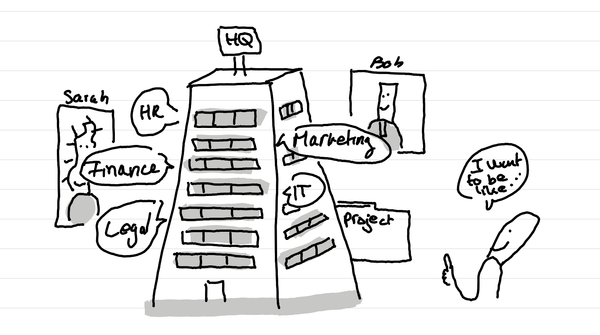
In short: access many nerds in one go who are in the thick of it with different professional postures. And it can lead to projects for learners.
How do I see my role as a Service Design educator?
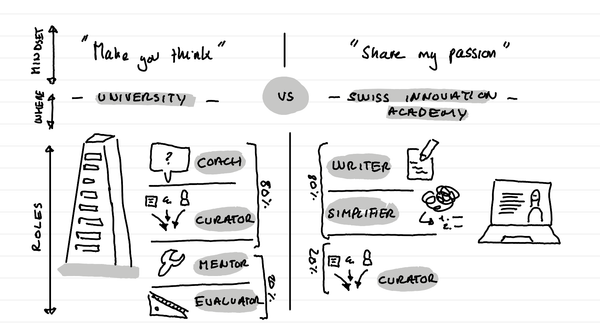
In short: my role is different in a university context versus in what I do on the Swiss innovation Academy. In a university I'm a coach. On this website I'm an author who shares his passion and simplifies it for the masses.