
How to create a small course hub in a teams channel
In short: Use tabs to link to key documents, and resources. Use Microsoft List as an integration to put the schedule that shows as a list or a calendar.

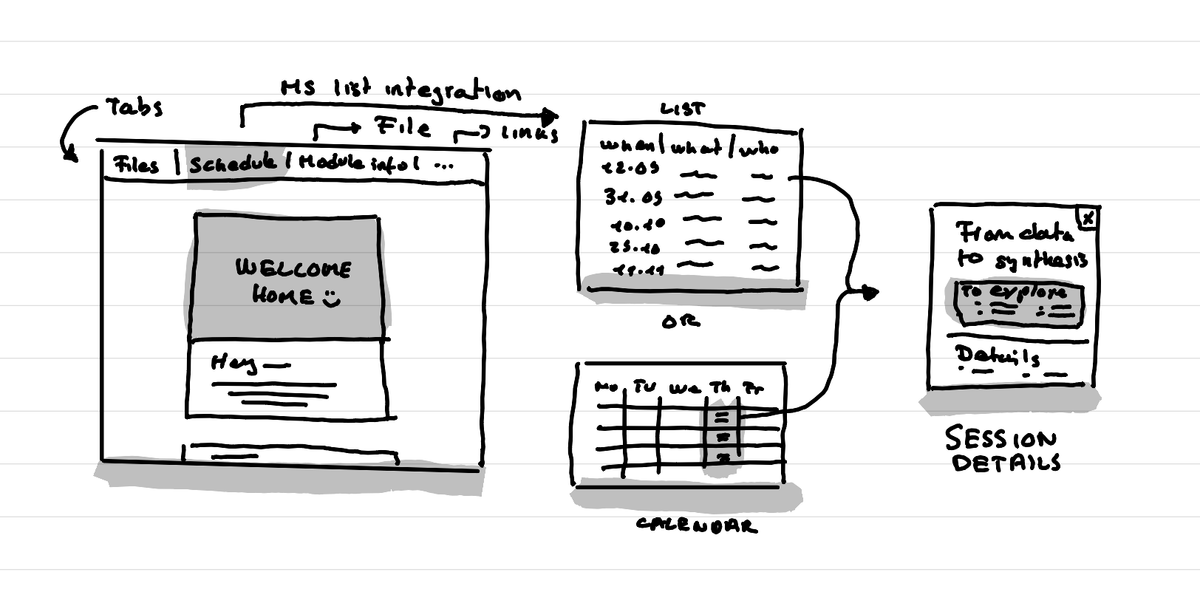
The university where I work has decided to fully go with Microsoft Teams for the organization and communication of courses. This includes also the Master in Service Design. For the Service Design module we are playing with the idea of making the team channel the hub that brings everything together. Here's what I like about this setup so far.
Tabs with links
We've added tabs that link to key documents and resources:
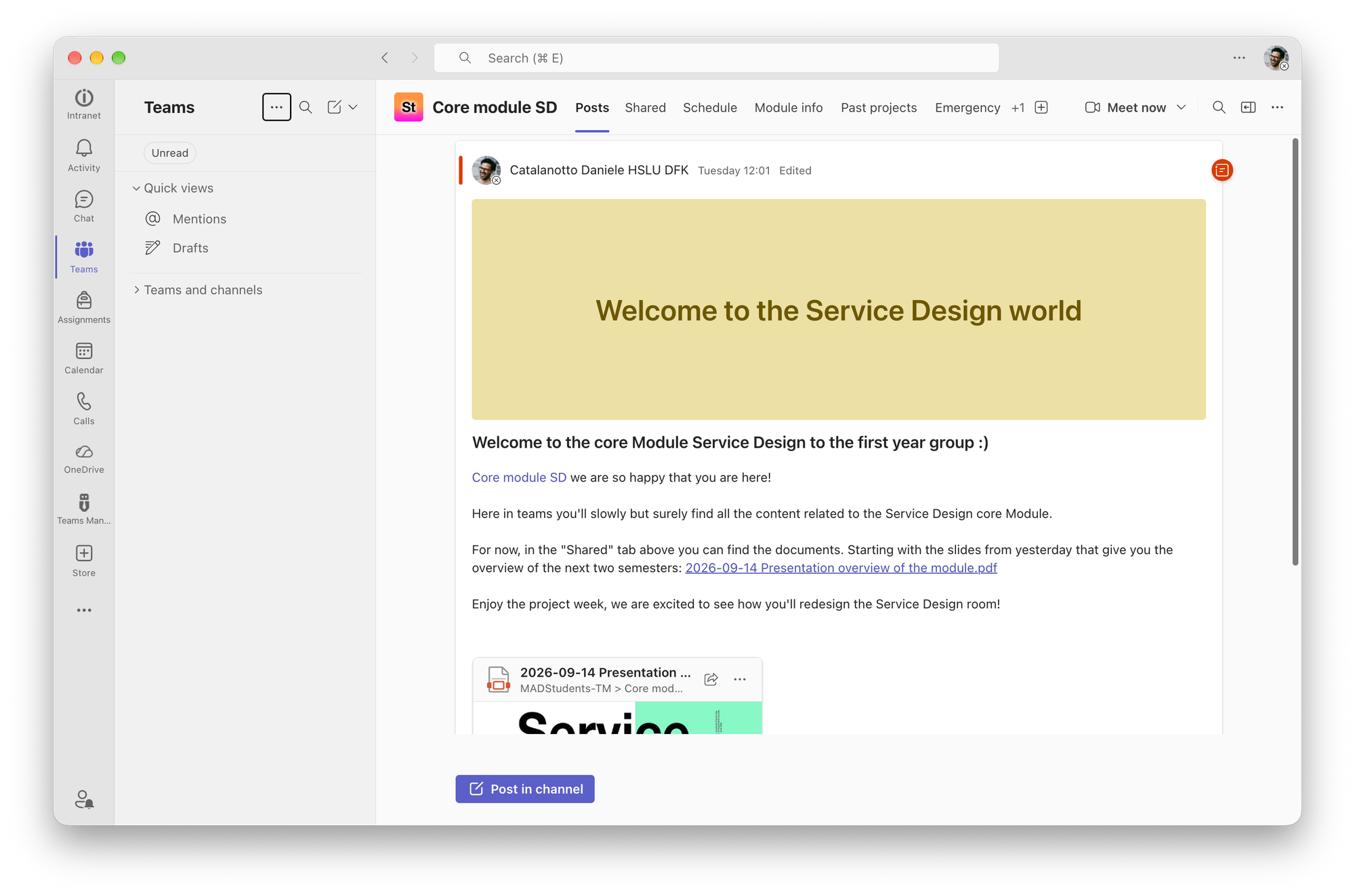
- Files: the automatic tab from Teams with the place to put the files for each course day.
- Schedule: a microsoft List tab showing the schedule (more on that below)
- Module description: the official administrative document that says the number of hours you have for this module as a learner, what are the criteria, etc.
- Past projects: a link to the archive of past Service Design projects done within the master. This can inspire and reassure students as they see a big diversity of types of projects.
- Emergency kit: An link to an article that gives tips and tricks for common issues people face in a Service Design project.
- Counseling: a link to the free mental health counseling service of the university.
Schedule made with Microsoft List
As we are now fully in Microsoft Teams, we are playing with the native tools of the system. And one of those is Microsoft List. A sort of mini Notion database system that helps you show content as lists, calendars, kanbans, etc.
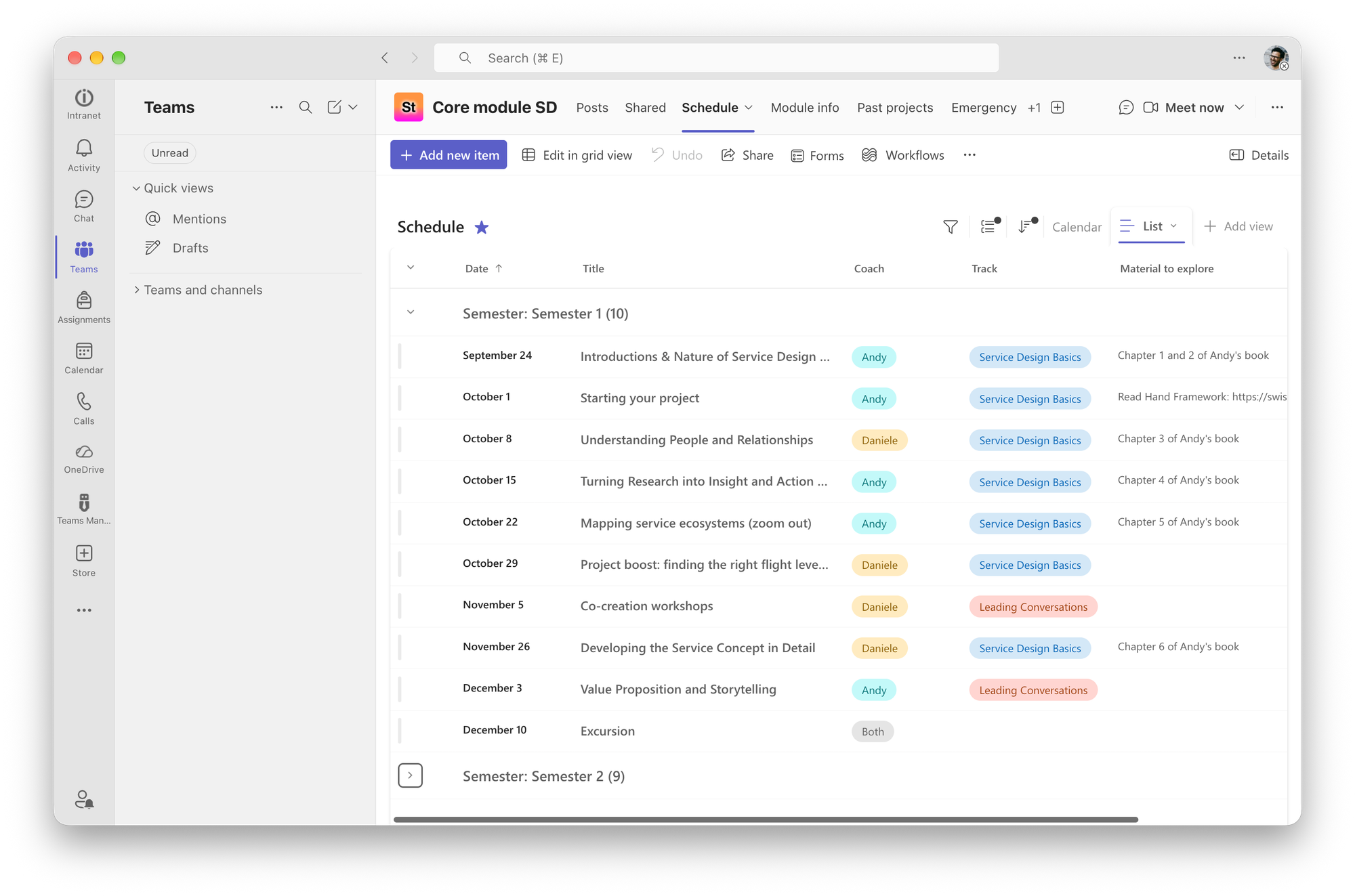
We've setup one that shows the schedule of the course both as a list for a quick overview and in a monthly calendar.
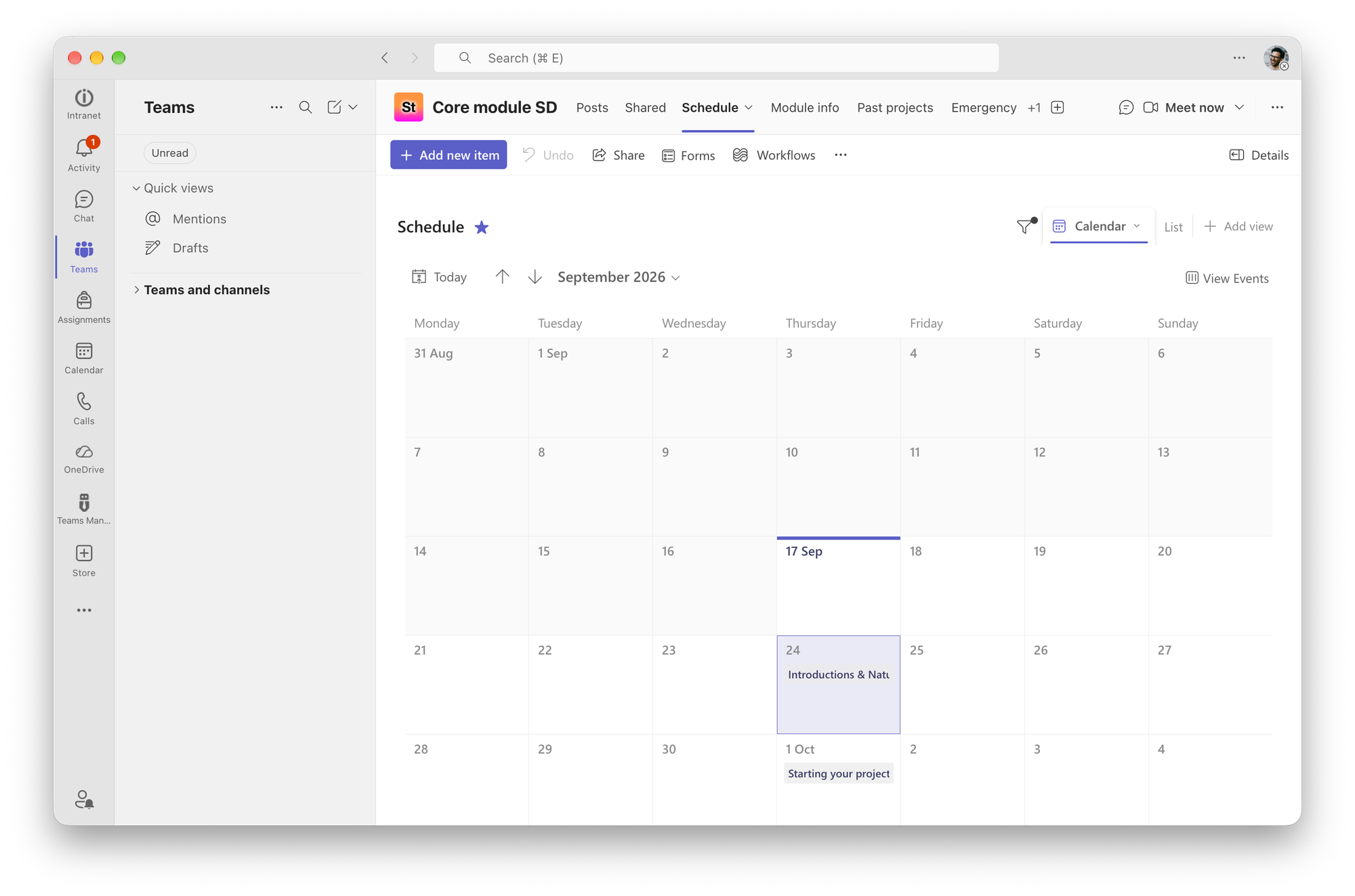
There for each of the sessions we mention the title of the session, the preparation work, who will be the coach and guests, etc.
What this could allow
One of the nice things this setup could allow is to remind the team very easily about what happens next. I can then simply send a Teams message as a reminder and link to the specific day in the schedule so that they then see all the details in there.
For now I really like that all is linked in one place that feels curated with the different tabs. We'll see how that goes in the next few weeks and months.
Why aren't you using the official school setup
Teams offers a different setup for schools that you can use. But to be honest it feels a bit overkill and more adapted to high schools, primary and secondary schools than university settings.
This article was written on a refurbished Remarkable II tablet with a type folio cover. The illustration was made drawn by hand on the same tablet.
Related articles
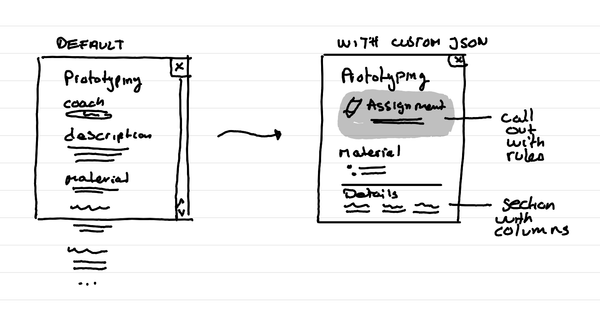
How to format Microsoft Lists for a course schedule so that it doesn't suck?
In short: with custom JSON code, that you can ask an LLM to help you write, you can adapt how the details of a session in your course look like.
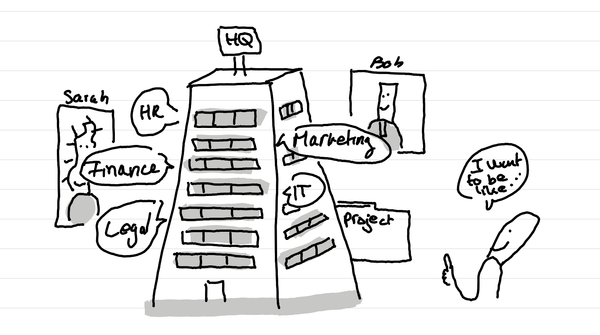
Why do I love big organization HQ tours in Service Design education?
In short: access many nerds in one go who are in the thick of it with different professional postures. And it can lead to projects for learners.
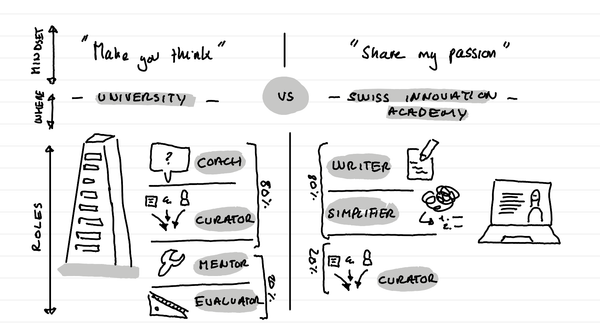
How do I see my role as a Service Design educator?
In short: my role is different in a university context versus in what I do on the Swiss innovation Academy. In a university I'm a coach. On this website I'm an author who shares his passion and simplifies it for the masses.