
How do I show the plan of the day in my Service Design classes?
In short: these days I like to use a withe board to beep the whole schedule of the day visible throughout the day. Each time we move forward I mark the previous step as done and remind the team all what we have already achieved.

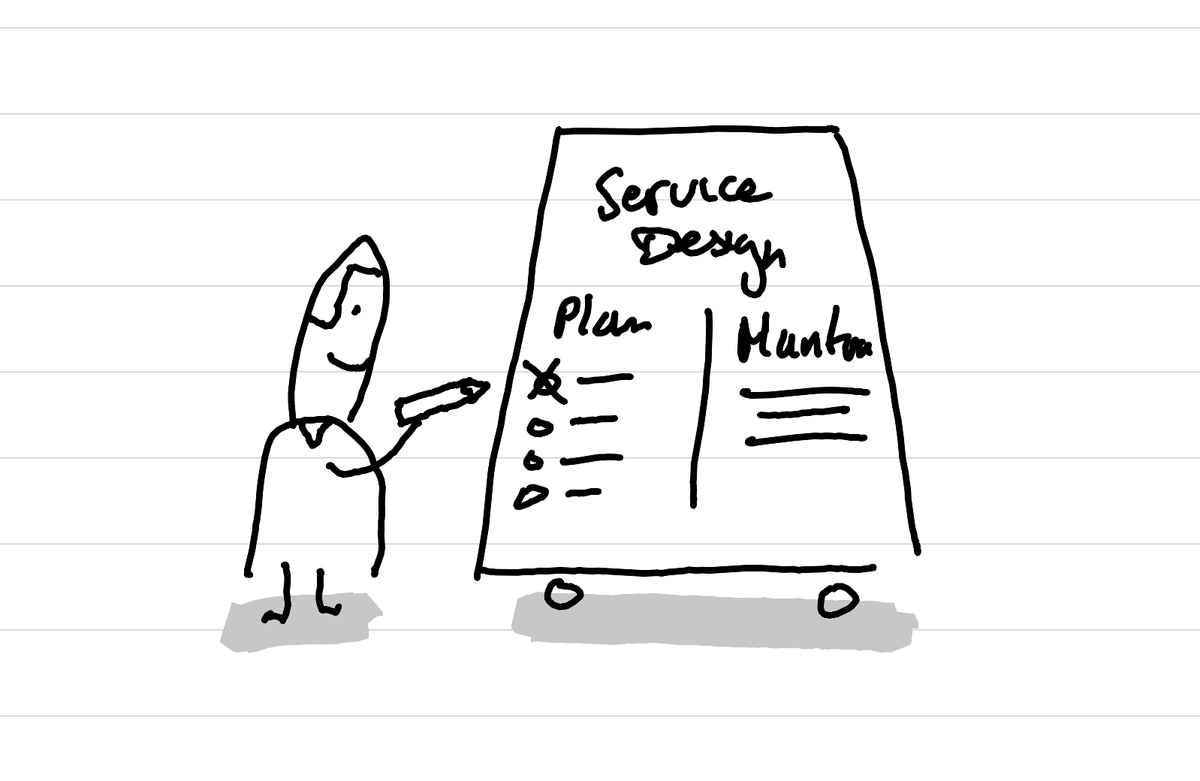
The beauty of using a white board or posters is that the content doesn't disappear. With slides once you pass a slide it's not visible anymore. Having the plan of the day always visible on the whiteboard makes it possible for learners to see at any moment now what we are doing now builds on what happened before and what comes next.
When we pass to the next activity I mark the previous one as done on the white board. This then helps me to do a quick review with the learners of all what we have already done which gives a sense of progress.
This article was written and illustrated by hand on a refurbished Remarkable II tablet. The handwritten text was converted to typed text with the Connect Service by Remarkable. If you are curious you can download the original note below.
Related articles
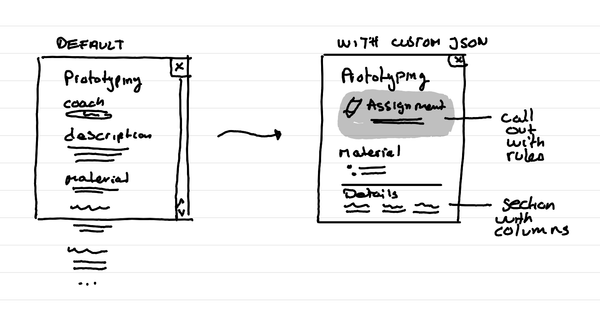
How to format Microsoft Lists for a course schedule so that it doesn't suck?
In short: with custom JSON code, that you can ask an LLM to help you write, you can adapt how the details of a session in your course look like.
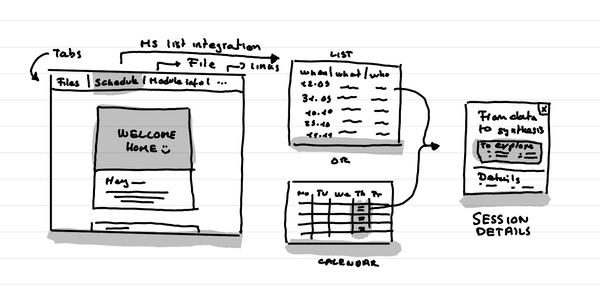
How to create a small course hub in a teams channel
In short: Use tabs to link to key documents, and resources. Use Microsoft List as an integration to put the schedule that shows as a list or a calendar.
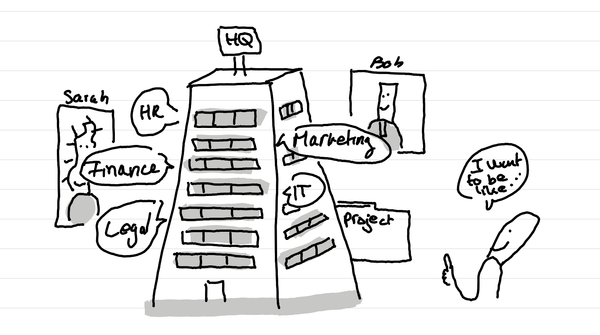
Why do I love big organization HQ tours in Service Design education?
In short: access many nerds in one go who are in the thick of it with different professional postures. And it can lead to projects for learners.