
What are tricks when creating digital maps with Google Maps for research?
In short: Use Google My Maps with different layers for each category and change the map style. Write a synthesis of what you've learned.

Use the Google My Maps tool
When you want to create an interactive digital map of physical locations I recommend you use the free tool My Maps by Google. It's basically a version of Google Maps where you can add your own points on it and then share it with the world.
Create different layers
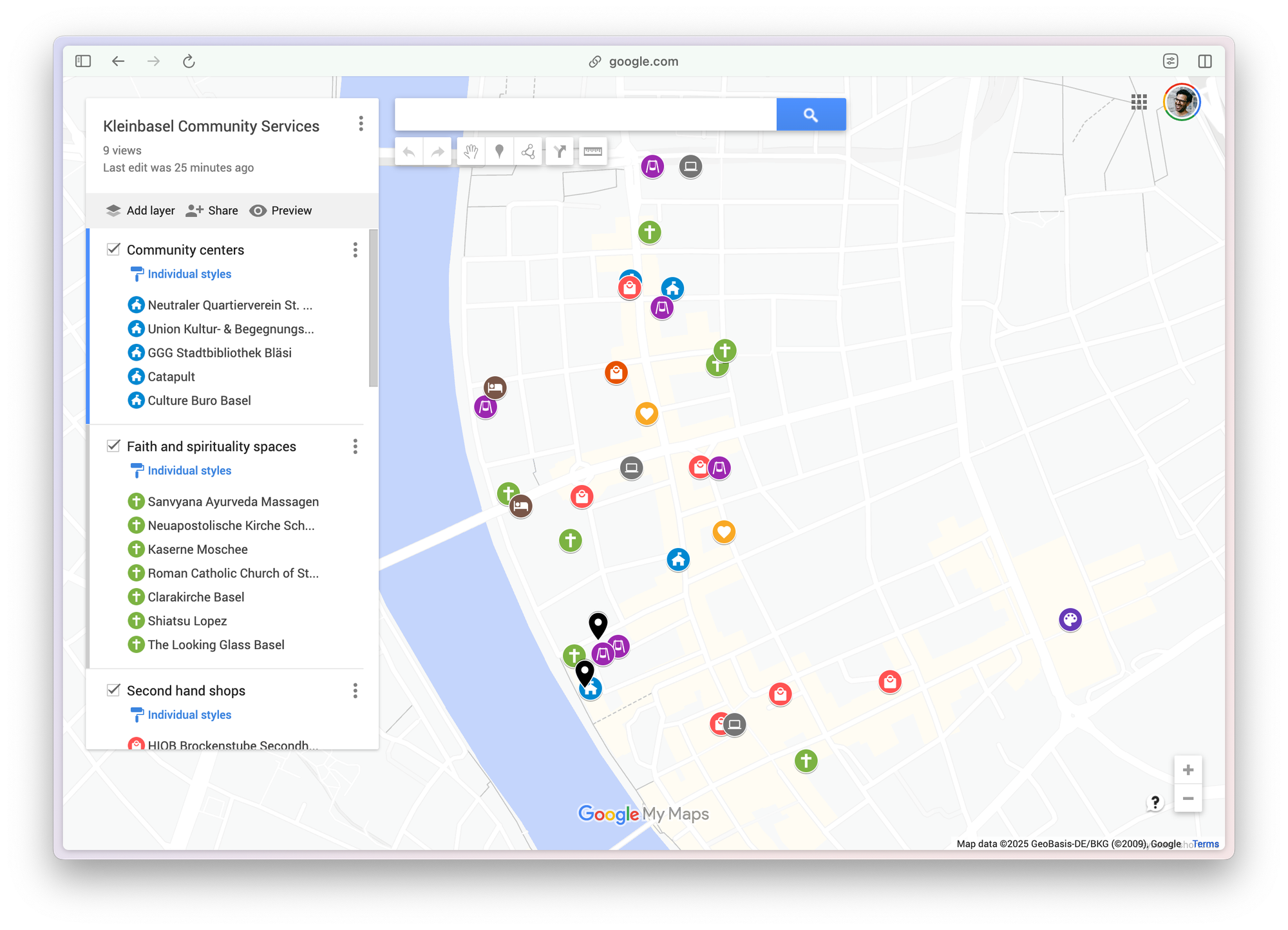
In My Maps, you can create different layers. Layers are great for grouping together elements, so that you can easily show or hide all the elements of that group in the map in one click.
Change the map style
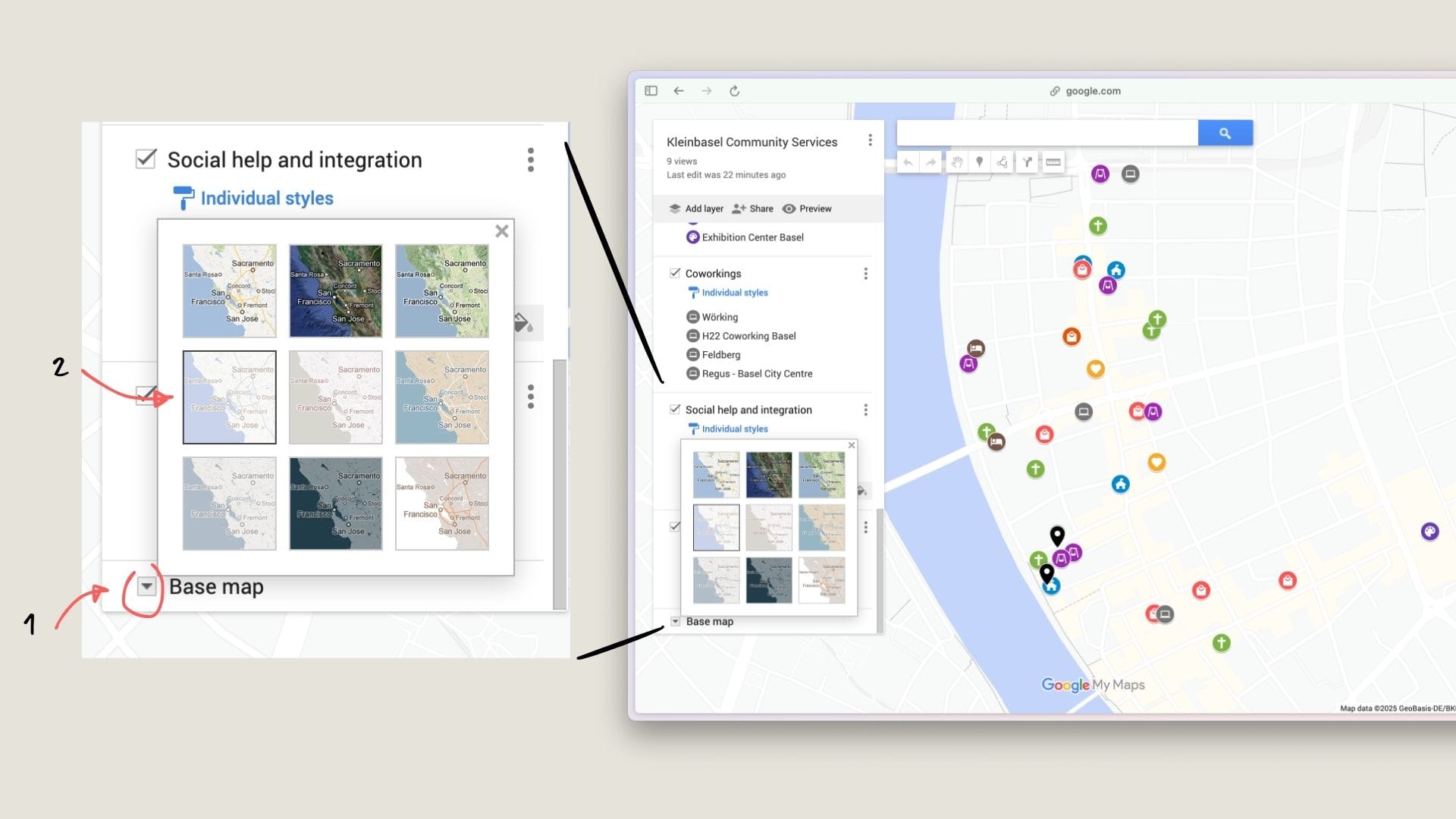
The standard style for a Google Map is way to crowded to my taste, it shows too much information. You can simplify the style of the map by changing it in the "Base map" settings. The style I recommend is the "Light Political" one so that the pins that you have added really pop-out.
Write a synthesis of what you've learned
A map is a good research tool and a good verification tool. But once you have lots of stuff in it, it can be pretty overwhelming. That's why I like to have a document that accompanies it that shows:
- What's this map about
- How to use it, what can I find in it
- What did I learn with it (which is maybe the most important point)
To make it even stronger you can create a document where you embed the map directly within the document (for example using Canva or Notion). And you can even shoot a little video using Loom or Descript of you showing how to use the map.
Still, the most important element here is to answer the question: "What did I learn by creating this map?"
Related articles
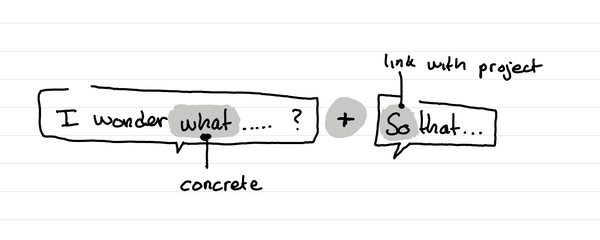
What is a formula to help you write a written thesis that stays practical?
In short: start with what and share why the answer to the question will help you.
What should I do after a shadowing session?
In short: Ask follow-up questions in a short interview and make a synthesis.
What can make or break a shadowing session?
In short: the most important is that people think out loud. To do this onboard them on the importance of it and remind them often.