Why I've decided to migrate manually all my content from Podia to Ghost?
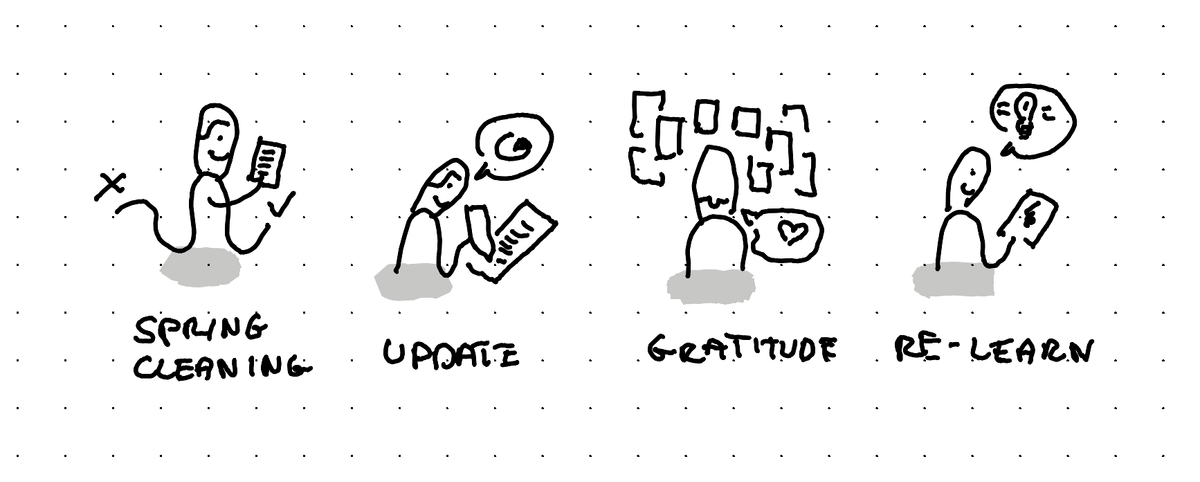
In short: it's like a spring cleaning that helps you decide what to keep and what to throw, it lets you update broken things and elements where you change ideas, it's a good gratitude exercice and it helps you re-learn lessons you forgot and realize what you had.
Migrating content is something where we might say: let's just automate it. But for the migration from my previous CMS (Podia) to the new one (Ghost), I've decided to do it manually.
Why?
It's like a spring cleaning
When you do it by hand, you see every piece of content and decide if you want to keep or not. It feels like a good spring cleaning.
It let's you update things
Links break, ideas change, tools stop existing and your own practice changes. By going through every piece of content by hand you get the chance to fix all of these things which you might not notice otherwise.
It's a good gratitude exercice
You realize all the work you did, how your thinking has progressed. And it makes you thankful for all that time invested in learning and documenting.
It helps you re-learn lessons you forgot and realize what you had
You rediscover things that you forgot you learned or created. And so it kind of updates your own memory and helps you then re-use these lessons in your own work, or share the resources to the people that might need it.
This article was written on a refurbished Remarkable II tablet with a type folio cover. The illustration was made drawn by hand on the same tablet.
Related articles
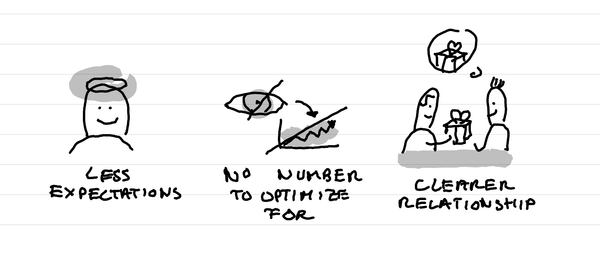
Why I've stopped looking at the number of people registered for events?
In short: it creates less expectations, it takes out a number that I can fight to optimize for, it makes clearer in the relationship that this is not a lead magnet and naturally selects participants who are really motivated.
Why I love tiny one day retreats with train and alps?
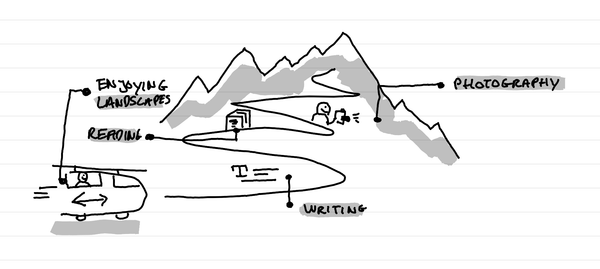
In short: it's a great time to write, read, enjoy landscapes and come back to a photography practice. It's a time of calm solo presence that recharges batteries.
How I kept my gratitude journal visual when moving from Notion to Remarkable?
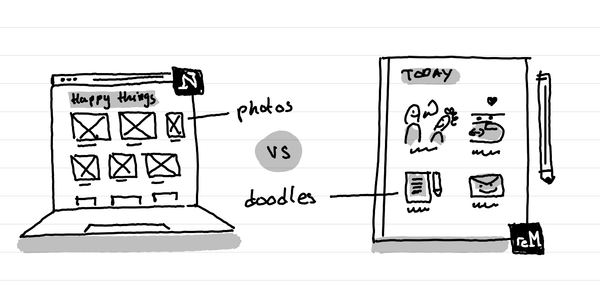
The short answer: instead of having photos and screenshots, I now have little doodles as a visual summary of my day.