
How I kept my gratitude journal visual when moving from Notion to Remarkable?
The short answer: instead of having photos and screenshots, I now have little doodles as a visual summary of my day.

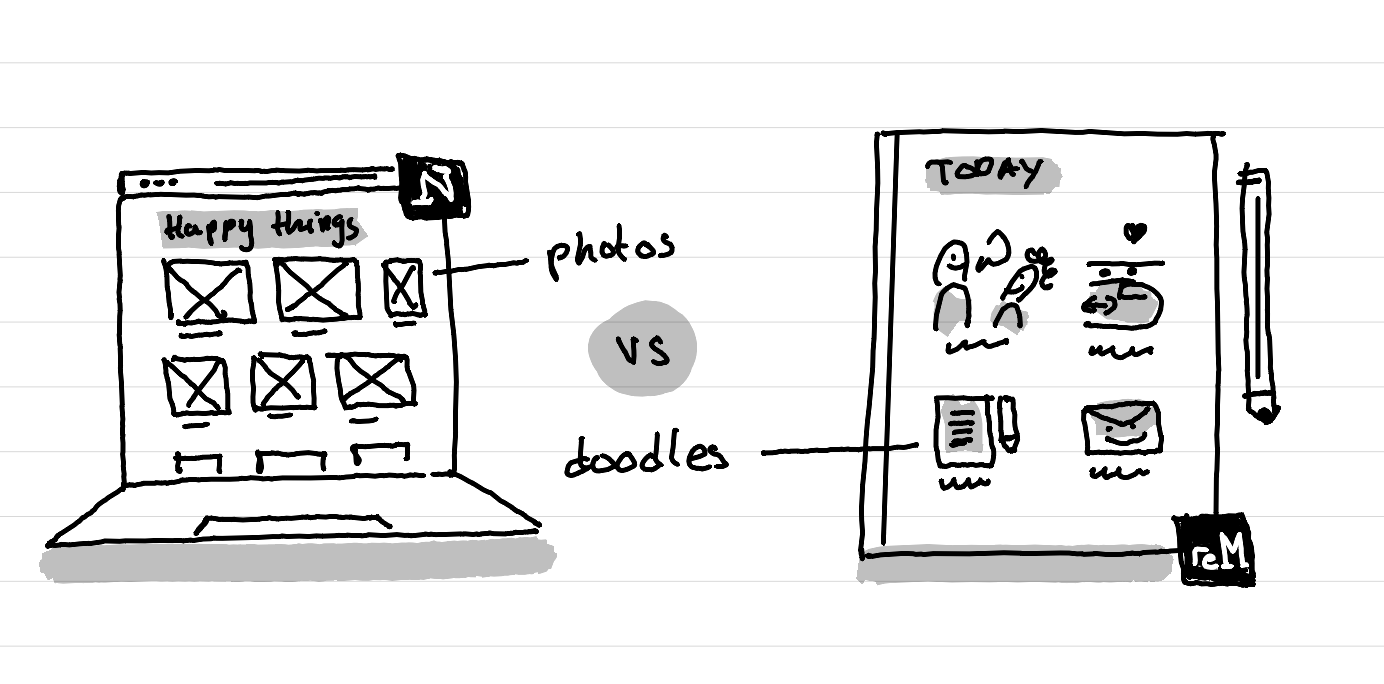
A short note before I start sharing more: I'm not adding here screenshots of my gratitude journals, because these are pretty private, so I'll let your imagination and the sketch above do the work to visualize it.
How my Notion gratitude journal setup was
For years I've had a very visual gratitude journal in Notion. Each day a new page within a database was automatically created an during the day I added photos, screenshots of the work I'm doing, micro-gratitude notes, etc. It kind of created a timeline of my day. This helped me realize how much I do in a day.
At the end of the day I then moved the image that best summarized the day at the top. It's this image that then was visible in the gallery of that database.
The nice thing is that with Notion I could easily resurface what happened a week, a month, a year ago, etc. I found a trick to do that manually on my Remarkable too by the way.
How I adapted my visual gratitude journal to the Remarkable
On the Remarkable I do that in a very different way, but with the same intention: having a visual summary of my day.
Instead of adding photos and screenshots, which I can't do easily (even if now there is a new image selection tool in the Remarkable OS) I draw little doodles. These little doodles summarize a moment, an achievement, a piece of work done or a gratitude element.
At the end of the day I review these doodles, add new ones for what I missed and want to remember and I add a little heart next to the most important element.
At the start of each new day I review these tiny doodles from yesterday, from a month ago, three months ago, etc.
How it evolved
When I started doing that on the Remarkable, I just had 2- 3 doodles without legend. Now I have more tiny doodles, they all have a short legend and I pick one as my favorite.
In that way, when I come back I better remember what I tried to illustrate. Plus with the heart showing the favorite moment of the day I can go fast and review a week or a month and get a sense of it without looking at every detail.
As always, this will continue to evolve.
This article was written and illustrated by hand on a refurbished Remarkable II tablet. The handwritten text was converted to typed text with the Connect Service by Remarkable. If you are curious you can download the original note below.
Related articles
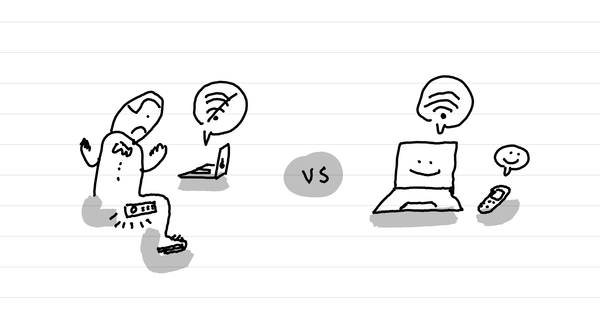
How to not get your Punkt MP02 to overheat and shut down when in internet sharing mode
The short answer: don't leave it in your pocket.
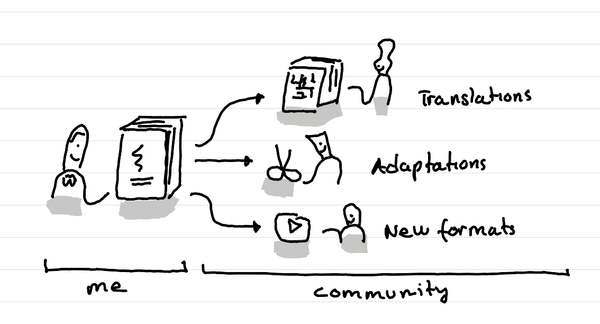
What's the beauty of putting your content under a creative commons license?
In short: others can translate, adapt and spread your ideas.
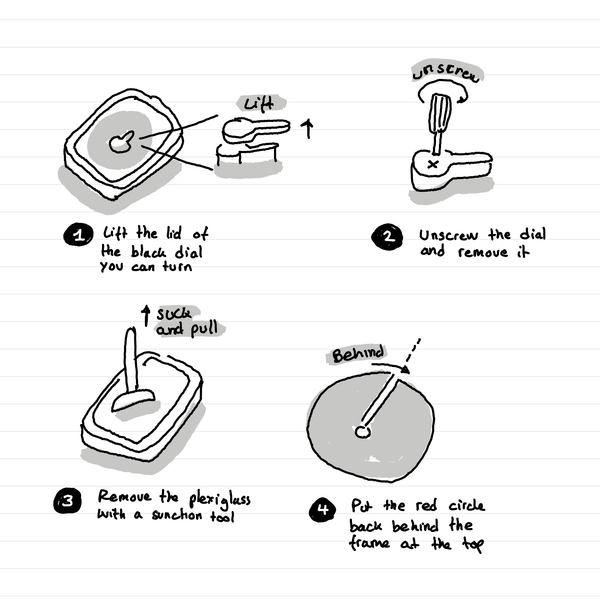
How to repair an Original 8” Time Timer blocked Red disc?
In short: lift the lid of the black dial, unscrew it and take out the plexiglass. Now you can put back the red disc behind the top layer. Voila.