
What are the special features Pixelglass allowed me to create for my Ghost template
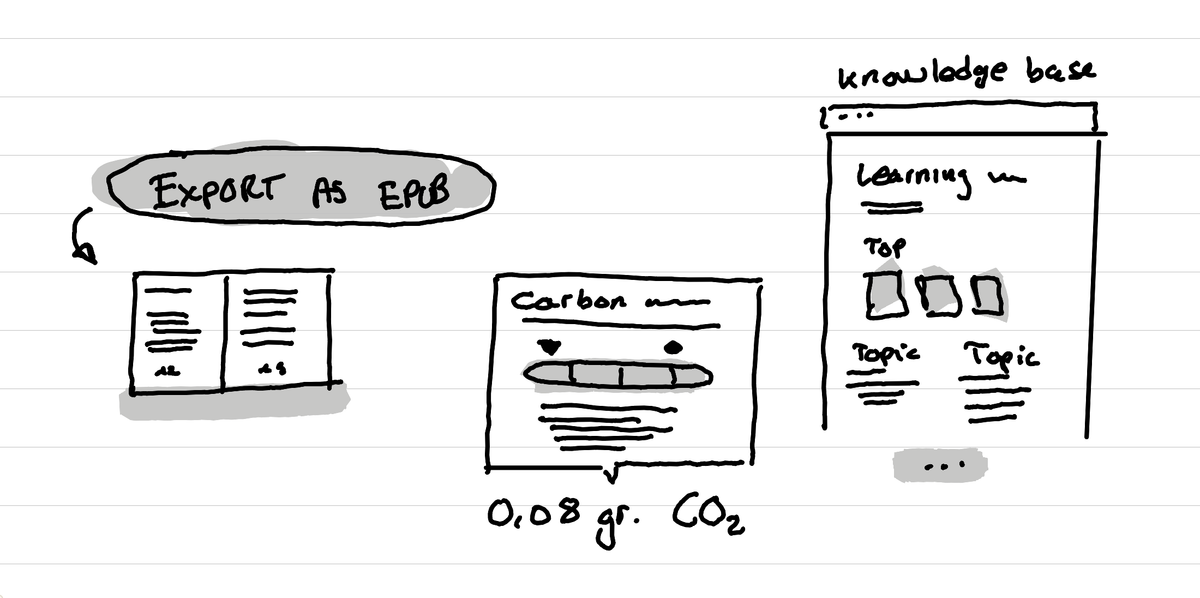
In short: I could create an epub export tool, a carbon caculator for each page, a knowledge base like layout that fits with my hundreds of Q&A and many more other tiny custom things.

Context
I'm migrating my website to Ghost. Ghost is a great platform for writing, but for building your own theme you have limited tools if you are not a developer. But lately one tool is changing this: Pixelglass. Pixelglass is a tool made by a solo developper and it helps people who don't want to code, to create their own custom Ghost template by chatting with some AI.
During the last week the developer behind Pixelglass has made a few important updates to the tool that now allow me to fully use it to create the template of this website where you are reading these words.
Advanced features
Here are some of the tiny, and not so tiny, cool features I could create with Pixelglass that are not your typical Ghost theme:
Export a post as an ebook
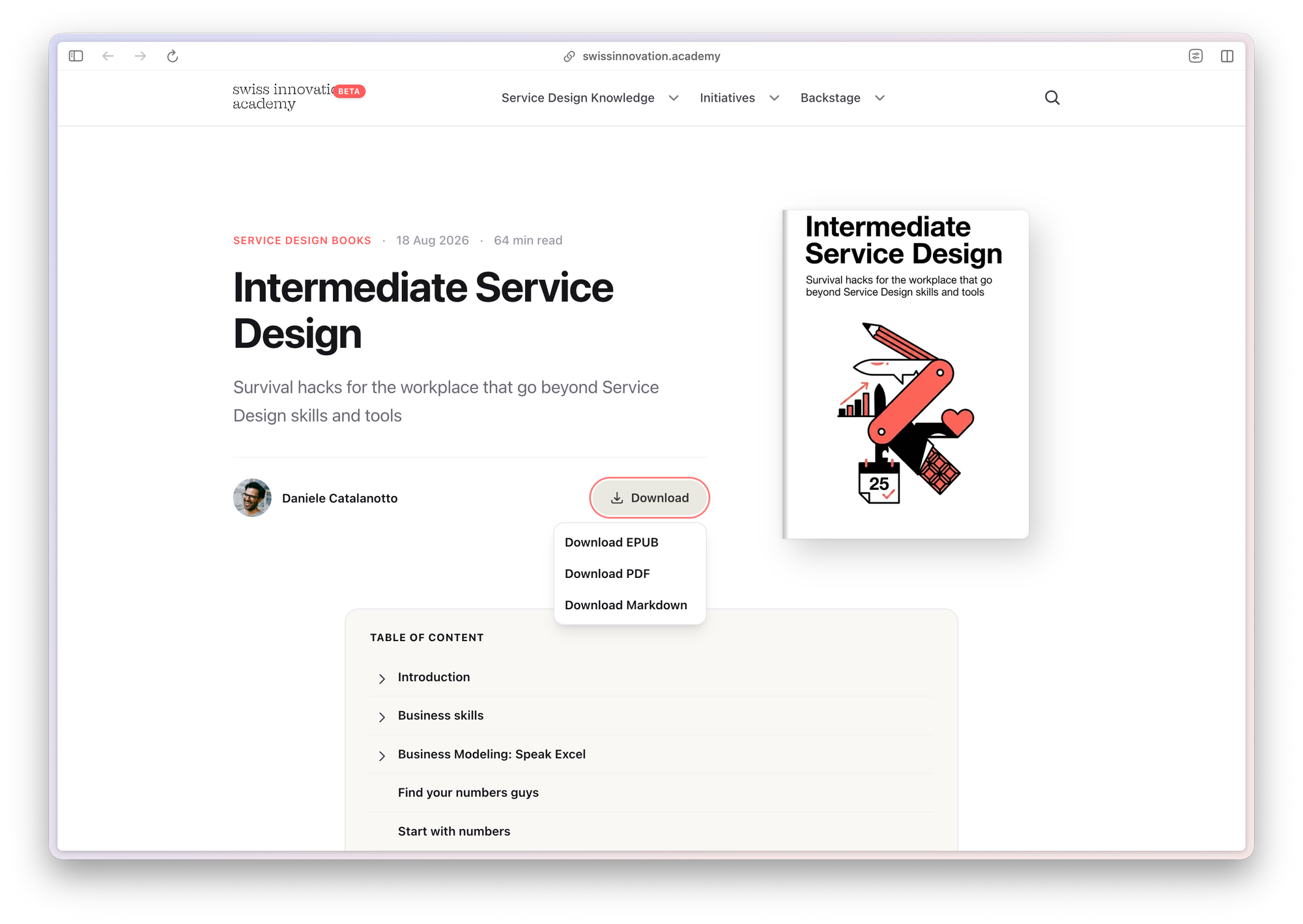
I have now a working prototype of an epub export button. This let's anyone export a book that I have put in a post to export that book as a file that you can read on your e-reader or book reading app like Apple Books or Kindle.
This is pretty great because I can now have one single place where I change the text of a book, and then I don't have to do some copy and paste to update the ebook version.
Carbon calculator
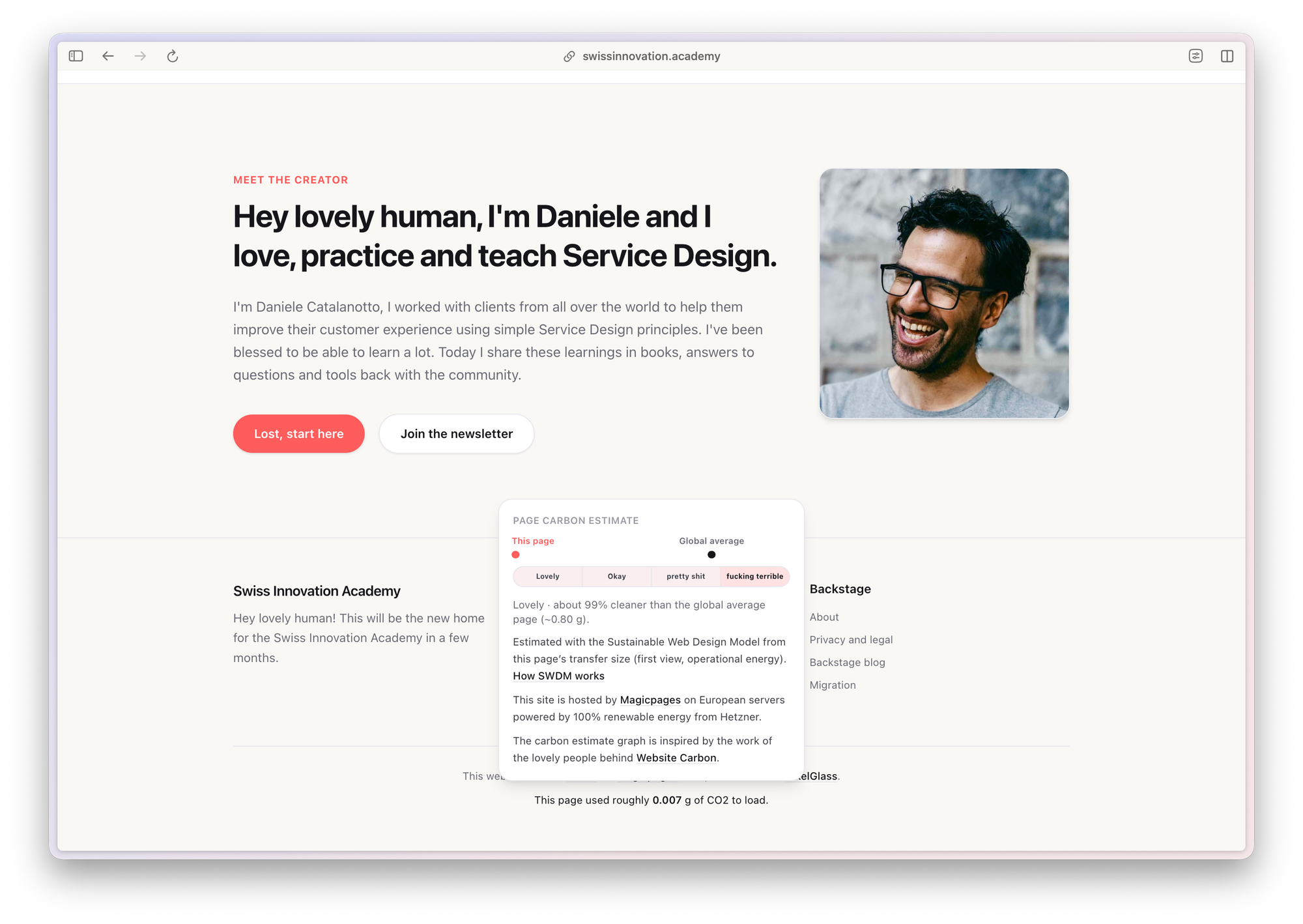
Inspired by the website Website Carbon, I've added at the bottom of the website a tiny text that shows an estimation of the CO2 used to make this page visible for the reader. And then when you hover that estimate it gives you more details about it.
I've tried to use the badge made by the team at Website Carbon, but I wasn't able to implement it. So I created a bit of remix of the idea using the same methodolgy that they are using, but with a more down to earth language.
Showing an overview of articles within a tag by their other tags
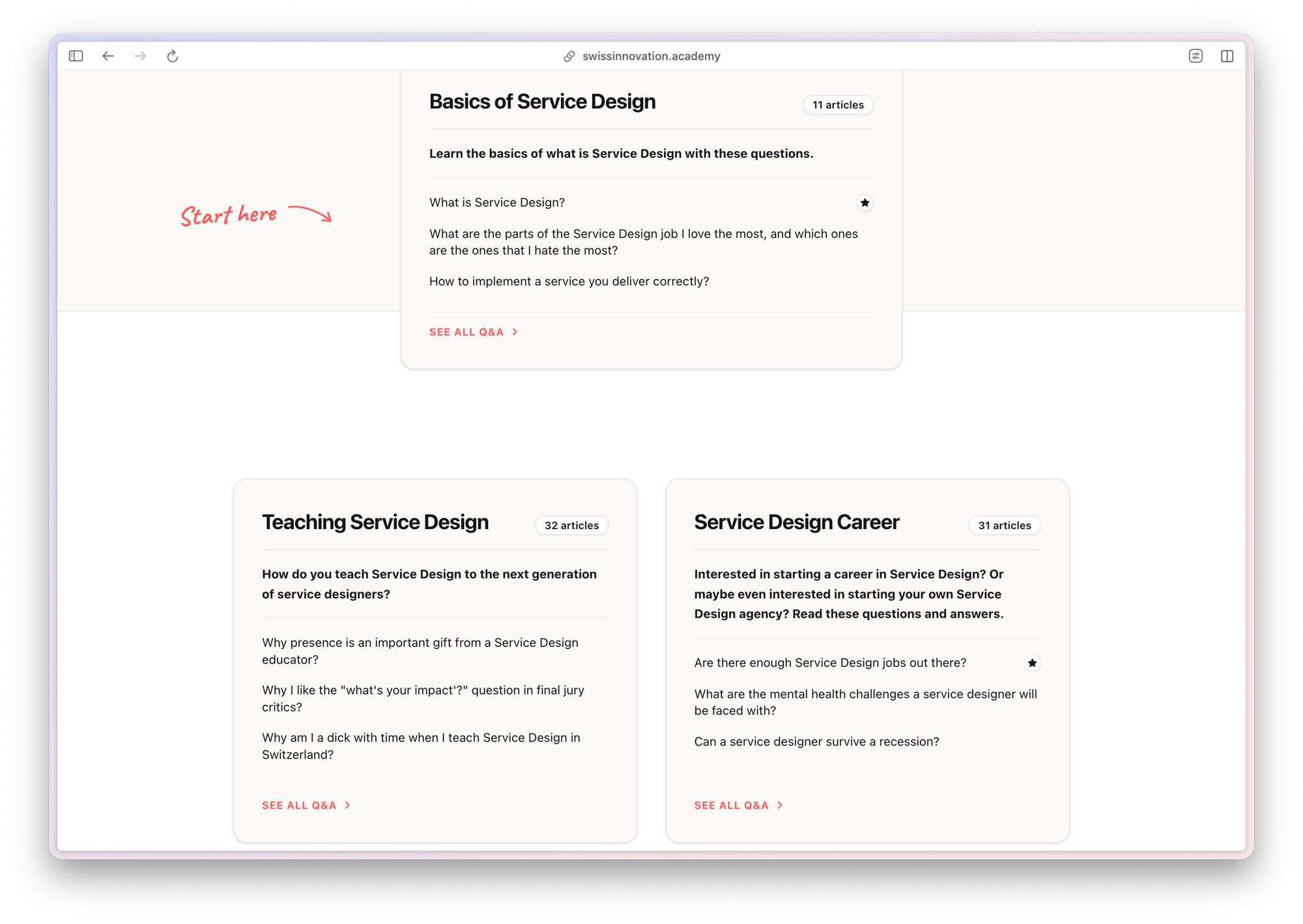
Ghost is not really made to handle a website like mine. But I was able to make it so that the tags archive page, the page that shows all articles from a specific tag, shows not just a list of post. But instead it shows all the articles that have this tag, grouped by the second tag they have. As I can have dozens and dozens of articles within a tag this makes it possible to have an overview in one page of all the articles without having to use pagination. And with that the website looks more like a knowledge base of everything I have in my brain about Service Design.
Simpler features
Here are some of features that are more basic, but still allow for some nice reading experiences and moments that give a personality to the website:
Mega table of content and mini table of content
For posts that are books, Ghost now automatically shows a table of content at the top of the article, and then for each big chapter of the book it shows a mini table of content of what can be explored in that section, including how long it takes to read that section.
Custom layout for custom pages or tags or posts
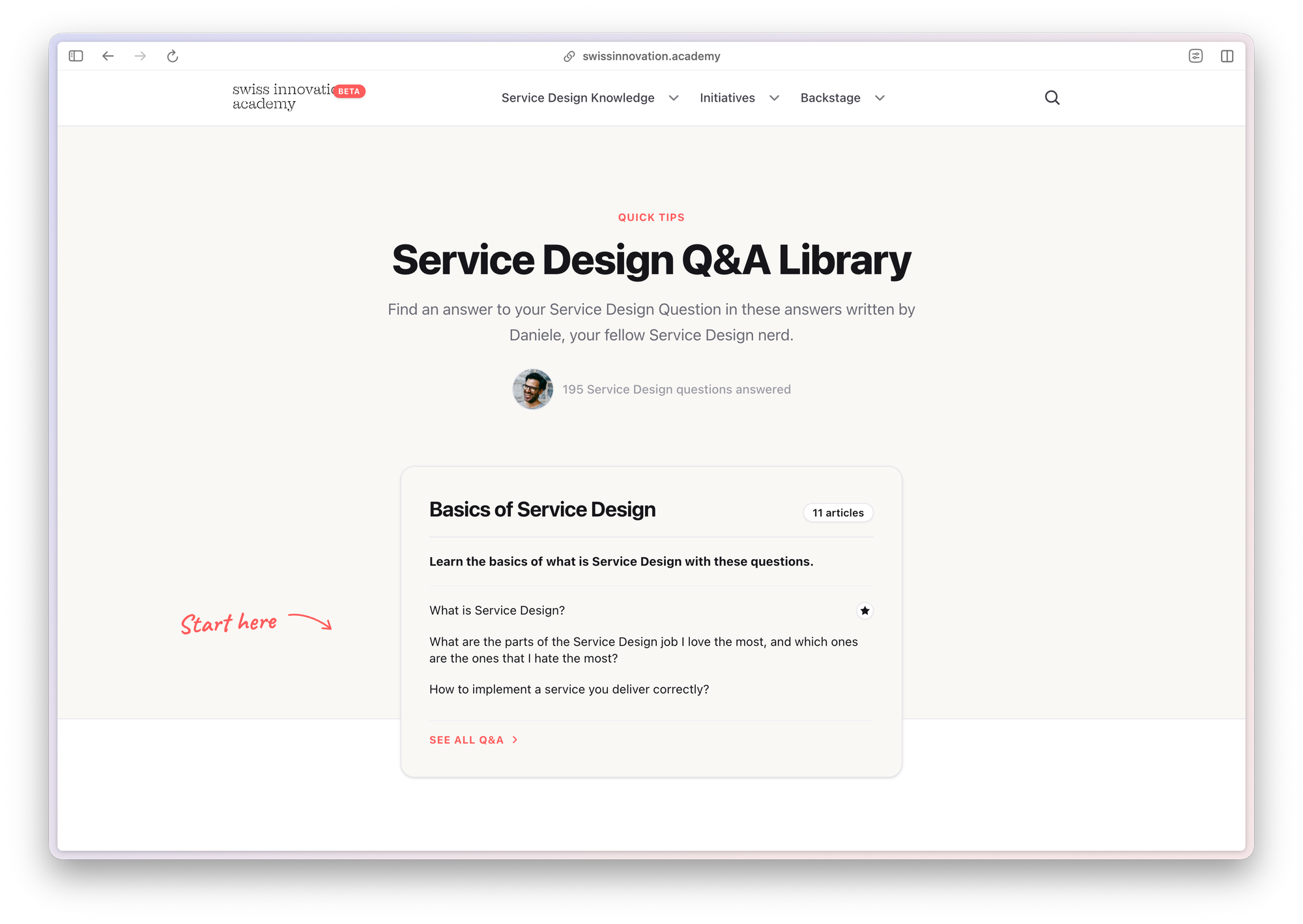
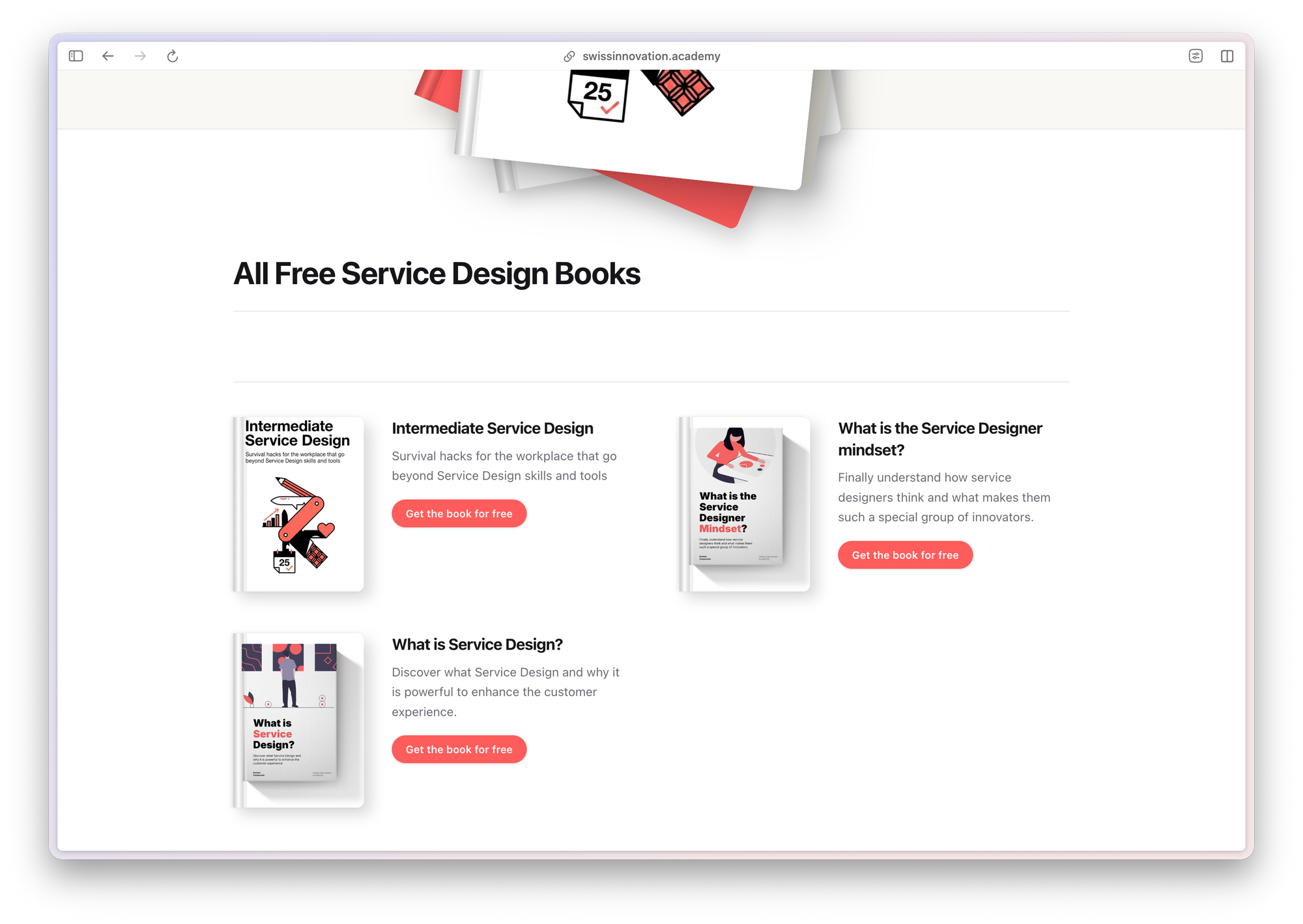
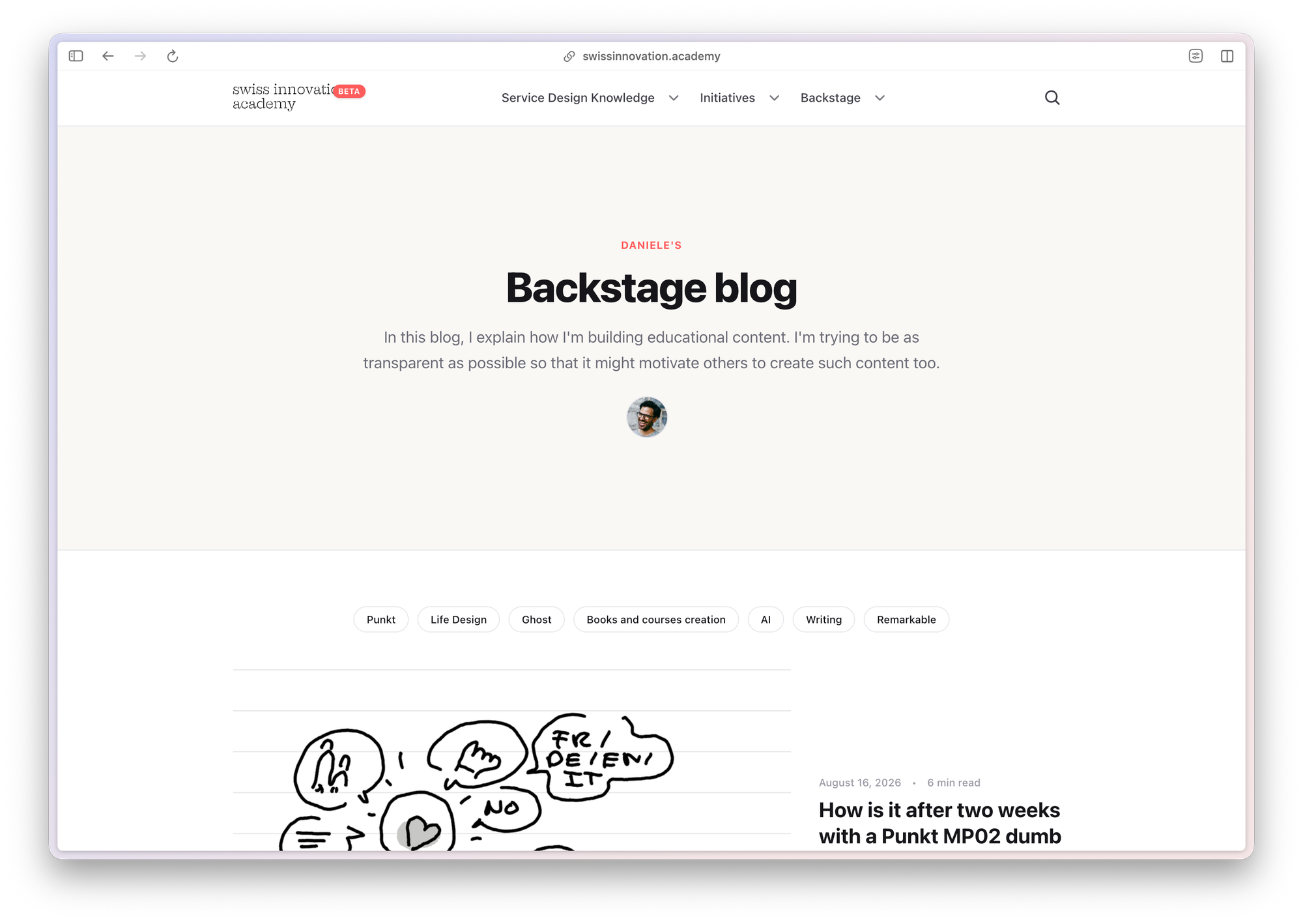
Screenshots of different custom layouts for specific tags
I was able to present the list of posts that are from my Backstage Blog differently than the ones that are from my Q&A library or books. Or I could make the layout of the Migration page look more like a timeline or changelog.
And many more
Obviously there are many more tiny things I really like. Like having a tooltip on the word beta or Rivella on the home page that reveal a few more information, the fact that the books are presented in an automatic hardcover mockup, etc.
What am I building next with Pixelglass?
What's sure is that Pixelglass is for now the only tool for Ghost that has allowed me to create a Ghost theme that does what I want. So what am I working on?
Better automatic cover
To make the book creation easier, and have more of a feel of family for my books, I'm gonna try to have the cover of the books fully done by Ghost.
Better export features
I really love the idea of being able to generate an ebook from a blog post that shows a book. Now I want this ebook to look great and to have also the mini table of content at the start of the chapters, better cover, etc.
I'm also thinking to bring that feature to an even further level with an export in Pocket book format that works for the print on demand service Lulu. This would allow me to generate in one click a PDF that I can then upload to Lulu to offer a hardcover version of the book. That would still need some manual work to then upload the PDF, and so on. But maybe, and that's a huge stretch of what Pixelglass was made for, I could even play with the API of lulu, and have that made automatically. I haven't yet looked if that's even possible on Lulu's side. But that would be fun for sure! And it would turn my Ghost website in a great alternative to Notion for writing, editing, publishing and exporting my books.
More accessibility features
One of the frustrations I had with my previous CMS was the fact that the accessibility of the tool wasn't the best. So that's a part that I also want to work on once I find a good accessibility check tool.
Lower resource usage
I want to push even more so that the website uses every trick possible to minimize the resources needed to run it. Sure I know that sounds strange when you are using AI to develop it. But that AI development is a one time development that then makes it possible to have a super optimized site.
More personality
I've been creating websites since I was a kid. And I remember how fun websites were back then with also some fun UX and UI experiments. I'm gonna see if I can bring a bit of that joy back to this website.
This article was written on a refurbished Remarkable II tablet with a type folio cover. The illustration was made drawn by hand on the same tablet.
Related articles
Why I've stopped looking at the number of people registered for events?
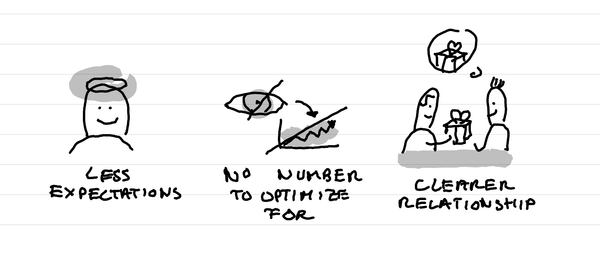
In short: it creates less expectations, it takes out a number that I can fight to optimize for, it makes clearer in the relationship that this is not a lead magnet and naturally selects participants who are really motivated.
Why I love tiny one day retreats with train and alps?
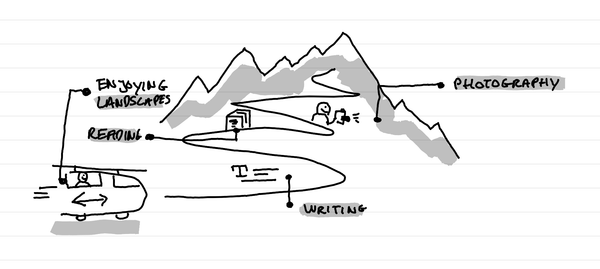
In short: it's a great time to write, read, enjoy landscapes and come back to a photography practice. It's a time of calm solo presence that recharges batteries.
How I kept my gratitude journal visual when moving from Notion to Remarkable?
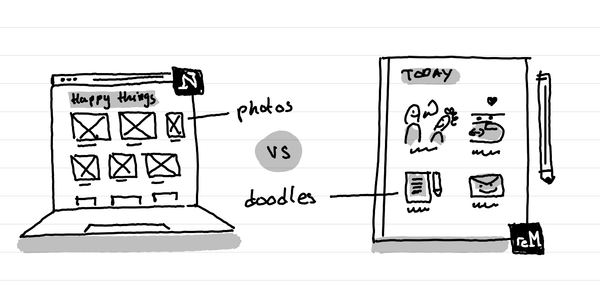
The short answer: instead of having photos and screenshots, I now have little doodles as a visual summary of my day.