
Why I'm experimenting with Remarkable as my main note taking app also on Mac
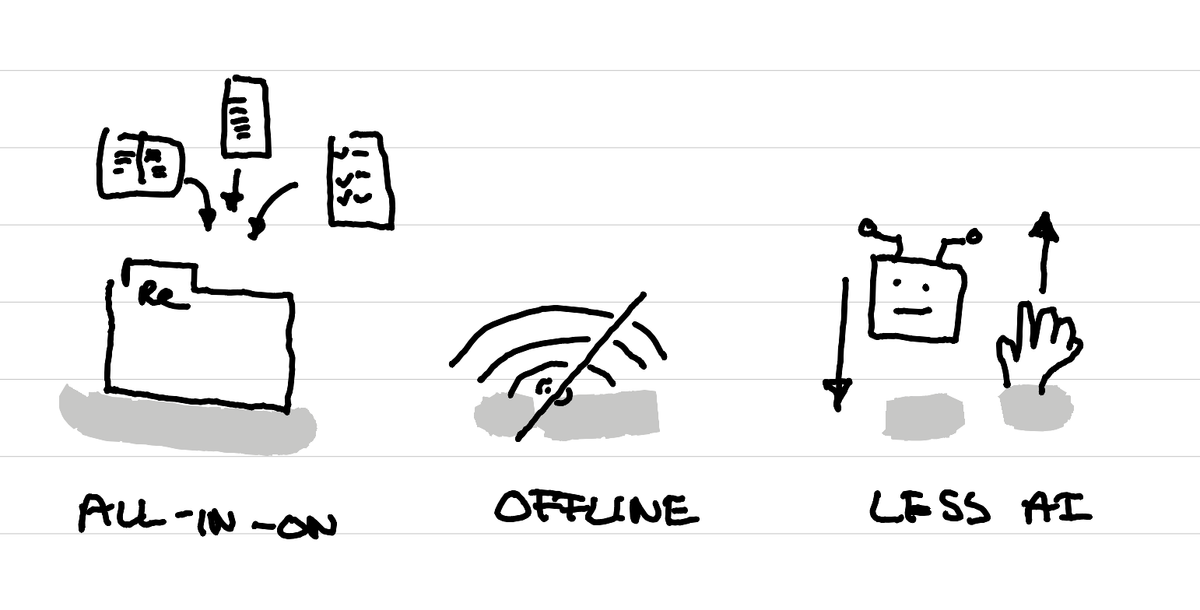
In short: to have everything in one place that makes it possible to work offline, without tempting me to use AI for tiny things.
All in one place
I really like the idea of having most of your notes, ideas, documents and project management stuff all in one tool. That's what I had with Notion for many years that I really liked.
If I manage to put all my project management notes in the Remarkable app on Mac, it means I also have them automatically on the Remarkable tablet. I know that these types of notes, I want to write them on my computer, where I have my email, where I can easily copy and paste information from one app to another (which is not possible on the Remarkable tablet). But when I need to access the information without having to make edits, I can easily find it on the tablet without having to open my laptop which offers a less focused experience.
Work more offline
The Remarkable app works extremly well offline on Mac. Which is pretty nice in a train when you live in a region where there are a lot tunnels.
Reduce my AI usage
Lately I've been reflecting on my AI usage a bit more. And while I really love playing with it, the energy and water usage side of the things is still something that is a problem. So I want to reduce my AI usage to the things where AI makes the biggest difference, and not use it for every tiny thing.
By working mostly in a tool which has no AI tools, there is no "temptation" to use it for things where it makes not a big difference.
An ongoing experiment
I'm playing with this idea at the moment. We'll see in a few weeks and months if it works out well or not.
This article was written on a refurbished Remarkable II tablet with a type folio cover. The illustration was made drawn by hand on the same tablet.
Related articles
Why I've stopped looking at the number of people registered for events?
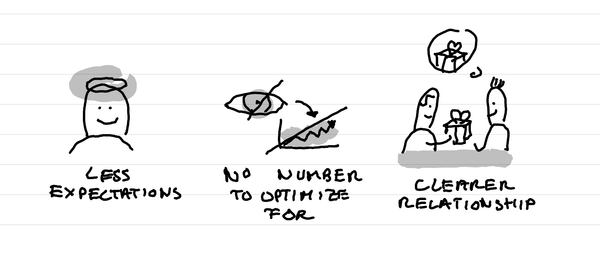
In short: it creates less expectations, it takes out a number that I can fight to optimize for, it makes clearer in the relationship that this is not a lead magnet and naturally selects participants who are really motivated.
Why I love tiny one day retreats with train and alps?
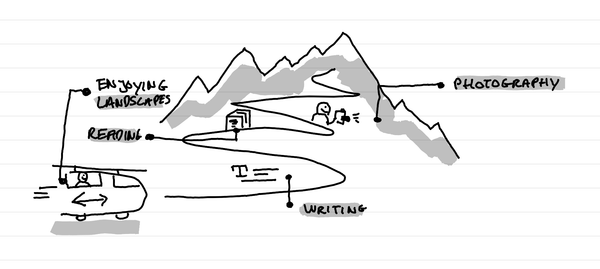
In short: it's a great time to write, read, enjoy landscapes and come back to a photography practice. It's a time of calm solo presence that recharges batteries.
How I kept my gratitude journal visual when moving from Notion to Remarkable?
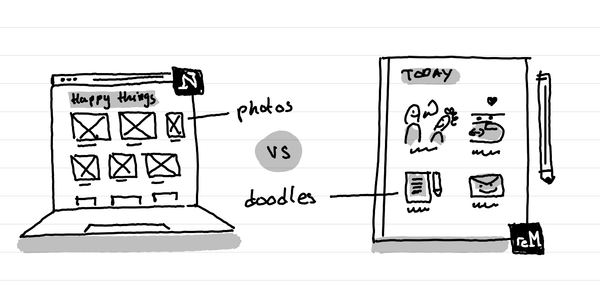
The short answer: instead of having photos and screenshots, I now have little doodles as a visual summary of my day.