
How do you add custom fields to Ghost when there no custom fields?
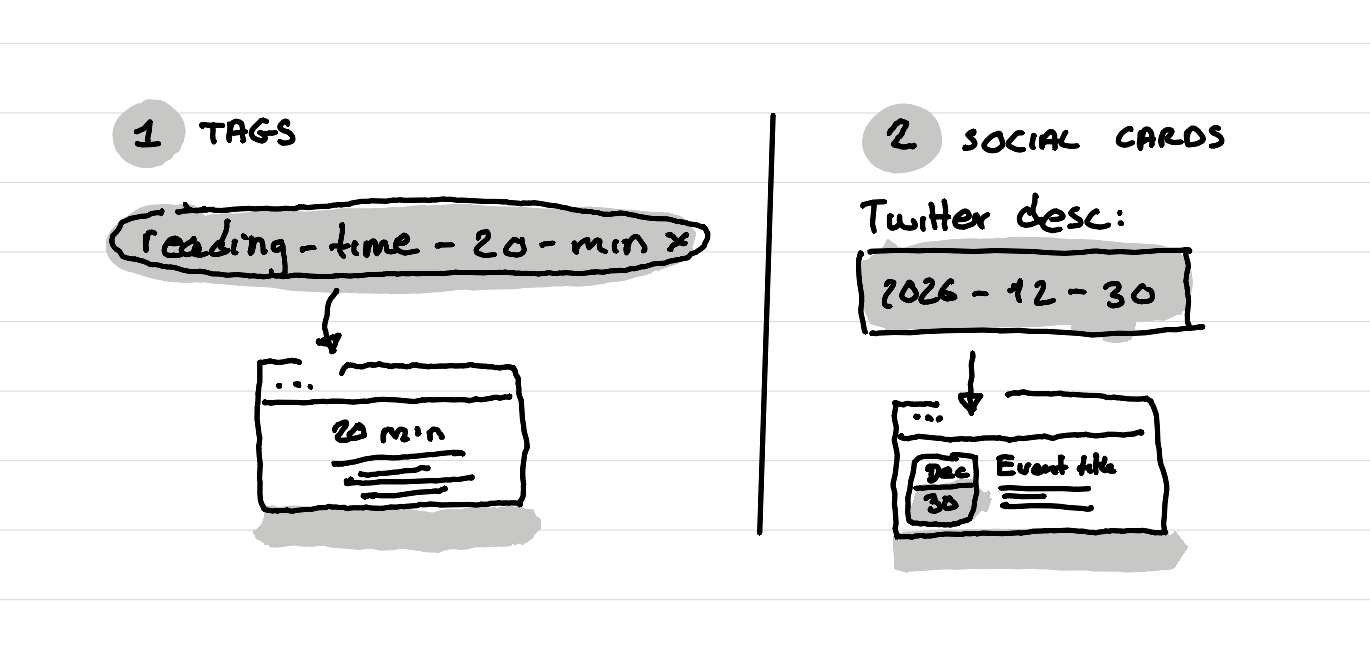
In short: use the social media cards that have titles and description to put data that you can hide for the user but make Ghost use a custom field.

Context
I wanted to create an events page on my website. And this website uses Ghost. So basically I create posts that have an "Event" tag and display those posts on an event page. Nothing too complicated here.
The thing is I can't use the publication date as the field for the date of the event, as this is used to setup if a post is visible or not yet.
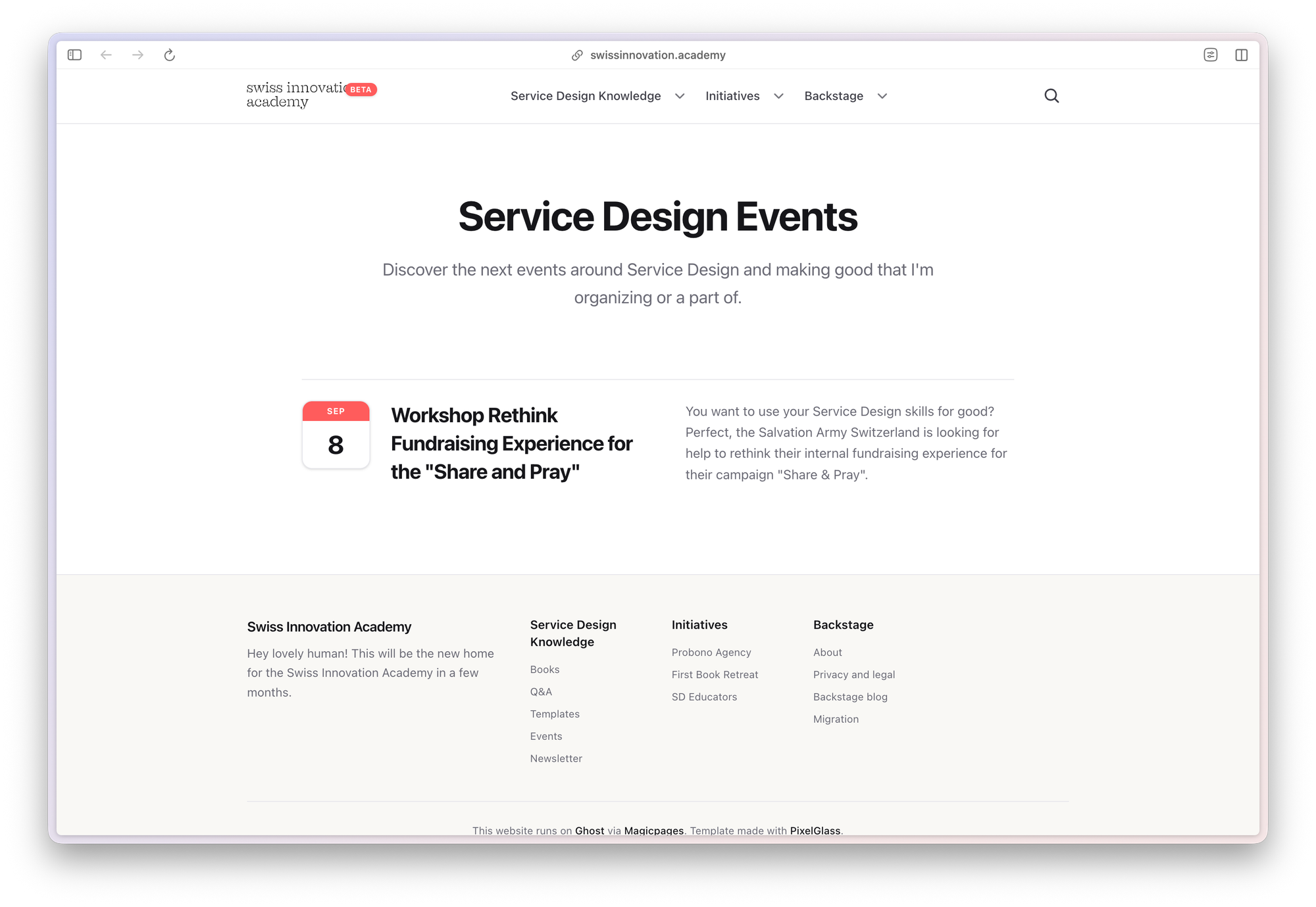
I needed a custom field where I can put the date of the event, that then Ghost can read and use to sort the events by date, and also use to show with a little calendar icon when the event happens.
But on Ghost there are no custom fields. So how do I do that?
Learning from Ghost theme builders
When I was shopping for a theme for my website I saw some pretty great ghost website that had some complicated layouts that went beyond the simple blog. There was one that made a full e-learning system, another one which had events and other fancy stuff. What I quickly learned from reading their documentation is that they use some tricks to make this work:
Use tags as a custom fields for select inputs
Some themes use internal tags to create some sort of custom field. For example the theme Learn uses tags to re-order the course lessons. Others do it to display the time for each course. Then ghost reads the tag and transforms it into a visible piece for the user that shows how long that chapter of the course takes.
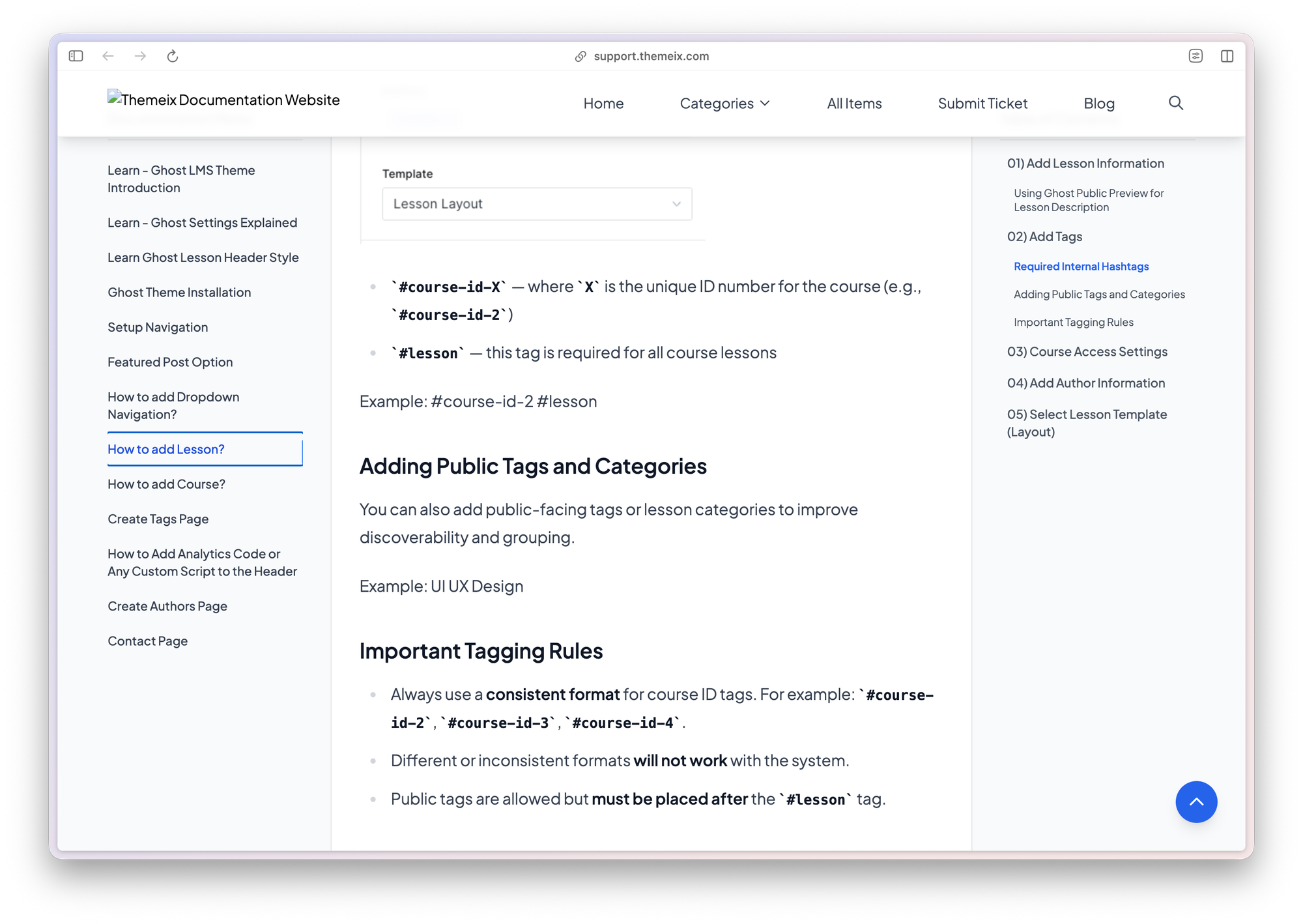
That's nice for things that are like a "select" custom field, where you have a set of choices that you use again and again.
Use social media cards as custom fields for number and text inputs
The other trick I've seen is themes that use the social media social card feature as a custom fields for dates, or text, or numbers. For example the theme Rand uses the twitter card to display events.
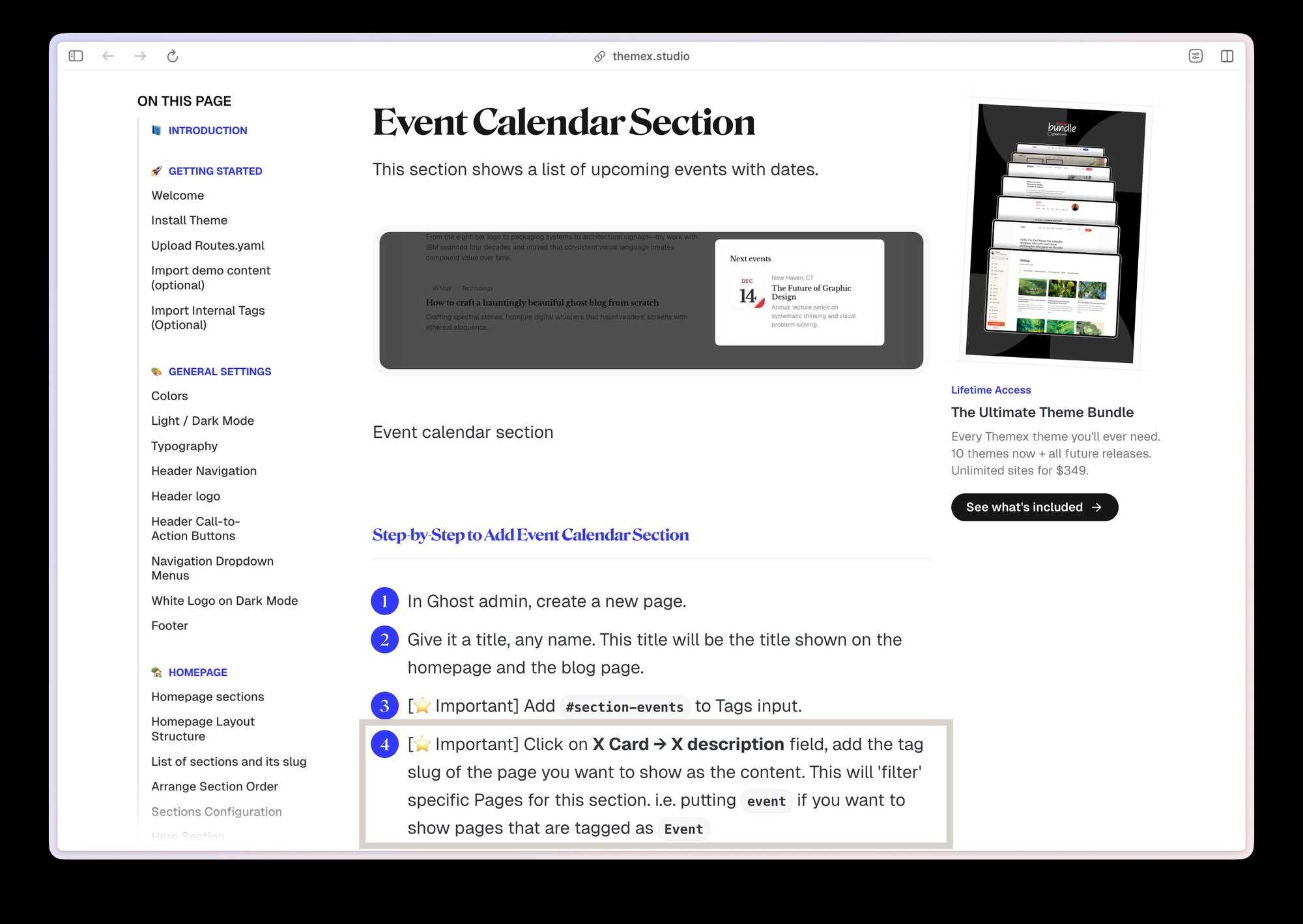
That's exactly what I use in my custom theme. I asked Pixelglass, which is the tool I use to create my custom Ghost theme, to use the twitter card description field as the place where it finds the date of the event formatted in a YYYY-MM-DD format.
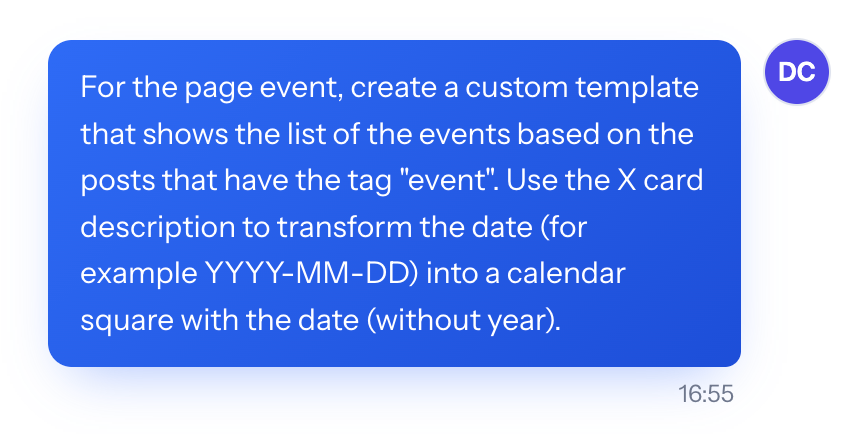
Now I can simply write 2026-12-30 in the Twitter card in the description field, and the event then shows a little calendar with that information.
Where else did I use this system?
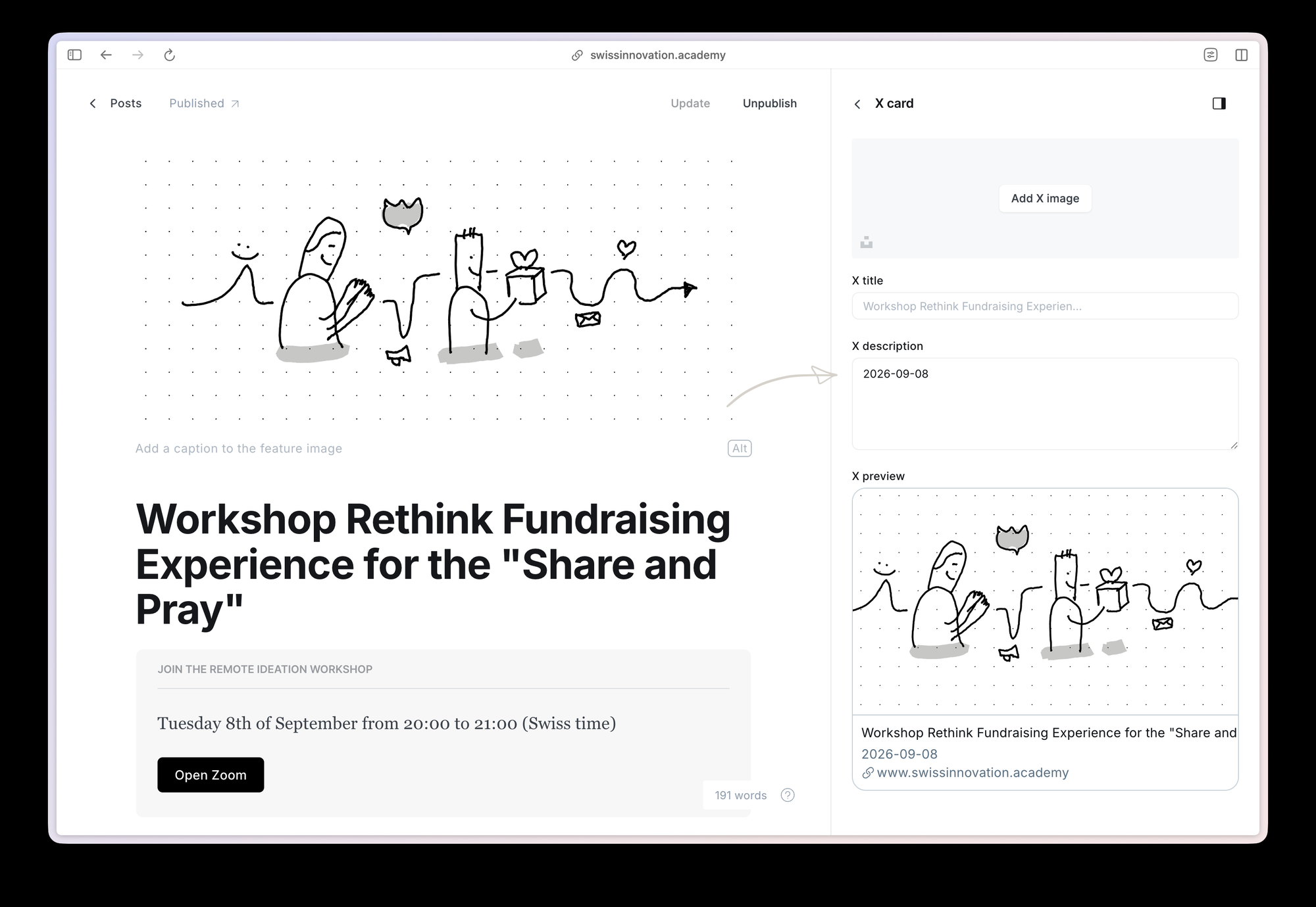
On the migration page and when you hover the beta mention next to the logo in the header you can see progress bars that show how the migration is going.
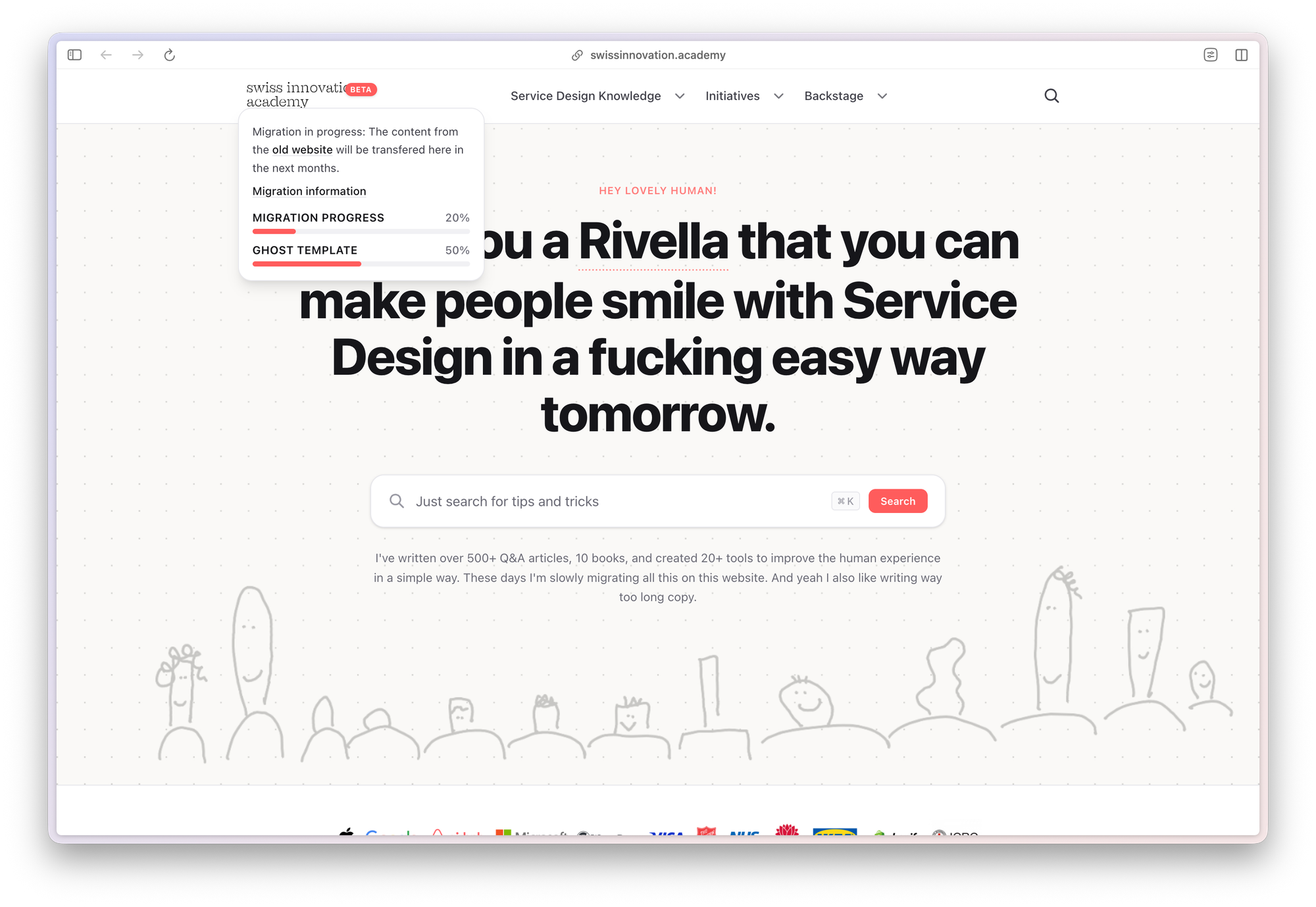
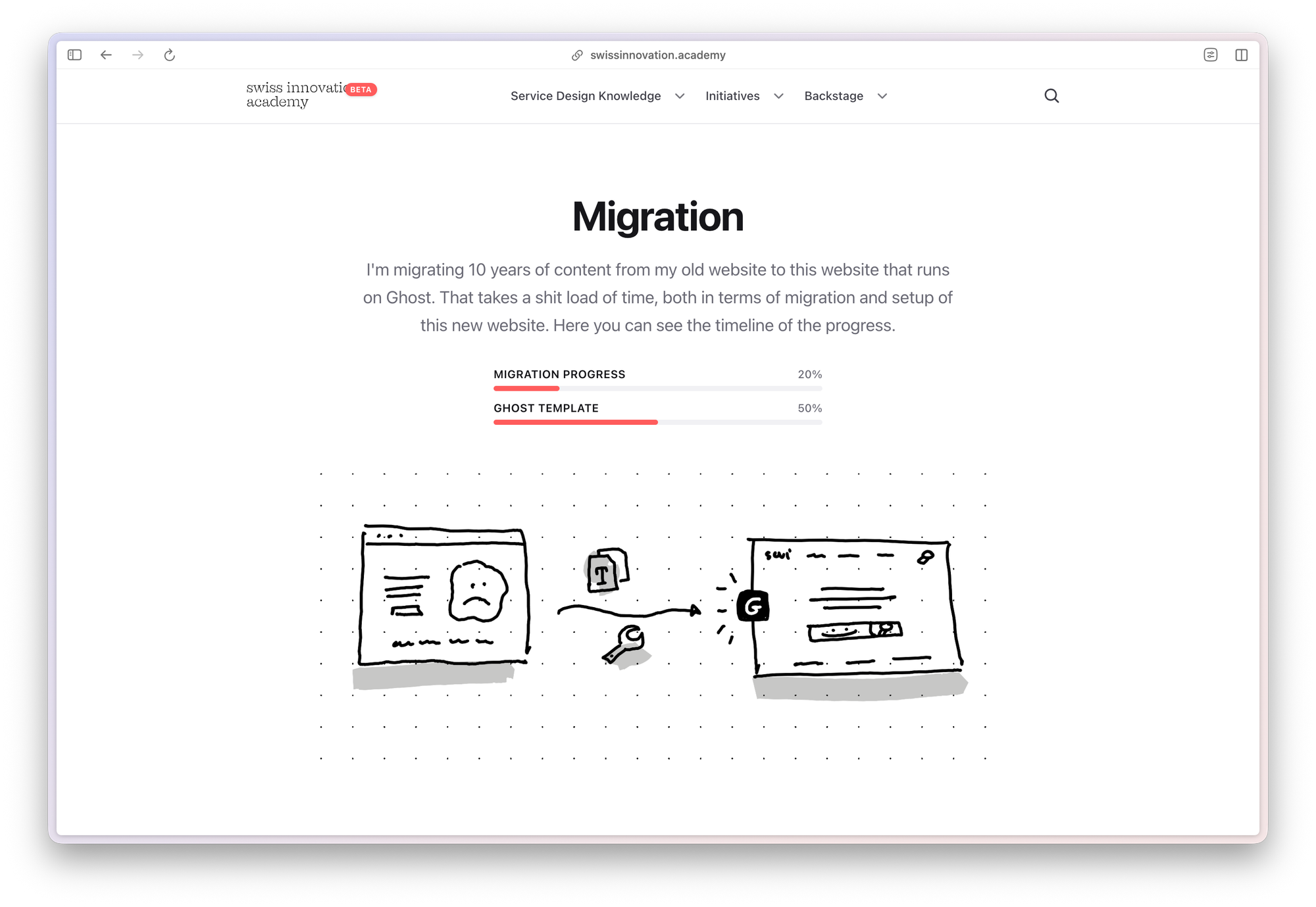
The numbers used for these progress bars come from the Migration page twitter card description field. That are formatted like this:
content-migration-percentage-20
website-template-percentage-50
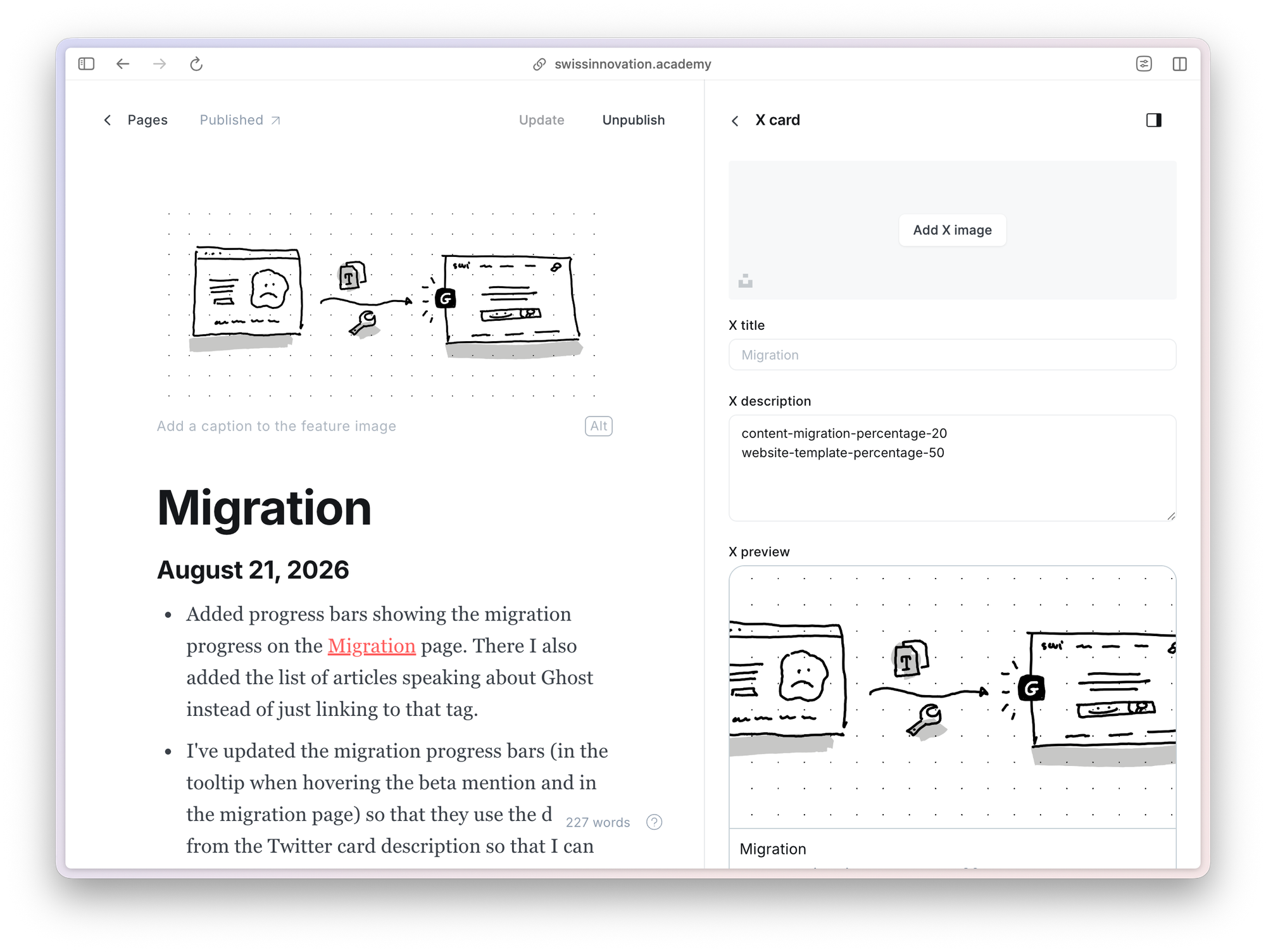
The advantage of doing it like this instead of hard coding it, is that now I can simply update these numbers in Ghost and it updates the progress bars in both places without having to change the Ghost theme using Pixelglass.
This article was written on a refurbished Remarkable II tablet with a type folio cover. The illustration was made drawn by hand on the same tablet.
Related articles
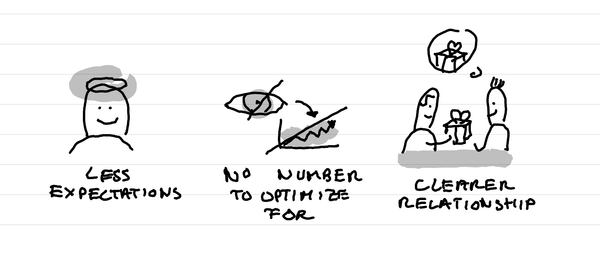
Why I've stopped looking at the number of people registered for events?
In short: it creates less expectations, it takes out a number that I can fight to optimize for, it makes clearer in the relationship that this is not a lead magnet and naturally selects participants who are really motivated.
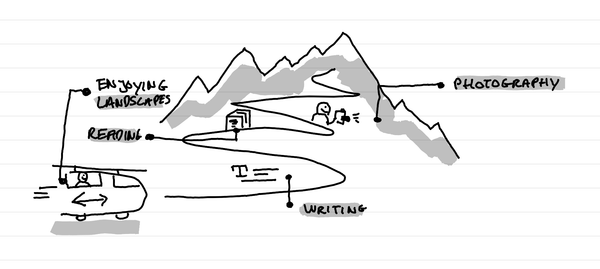
Why I love tiny one day retreats with train and alps?
In short: it's a great time to write, read, enjoy landscapes and come back to a photography practice. It's a time of calm solo presence that recharges batteries.
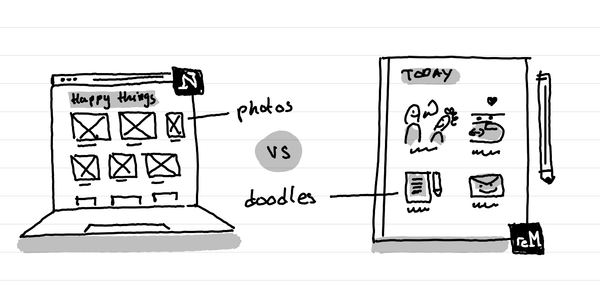
How I kept my gratitude journal visual when moving from Notion to Remarkable?
The short answer: instead of having photos and screenshots, I now have little doodles as a visual summary of my day.