
How to get wifi active in two taps on your Remarkable tablet while saving battery
In short: Let the wifi active and use the the airplane mode and toggle to quickly activate the wifi by swiping down from the top right of the screen.

The tiny problem
One of the things that I really like about the Remarkable is that it has a pretty awesome battery life. One one charge you can really work multiple days and even weeks.
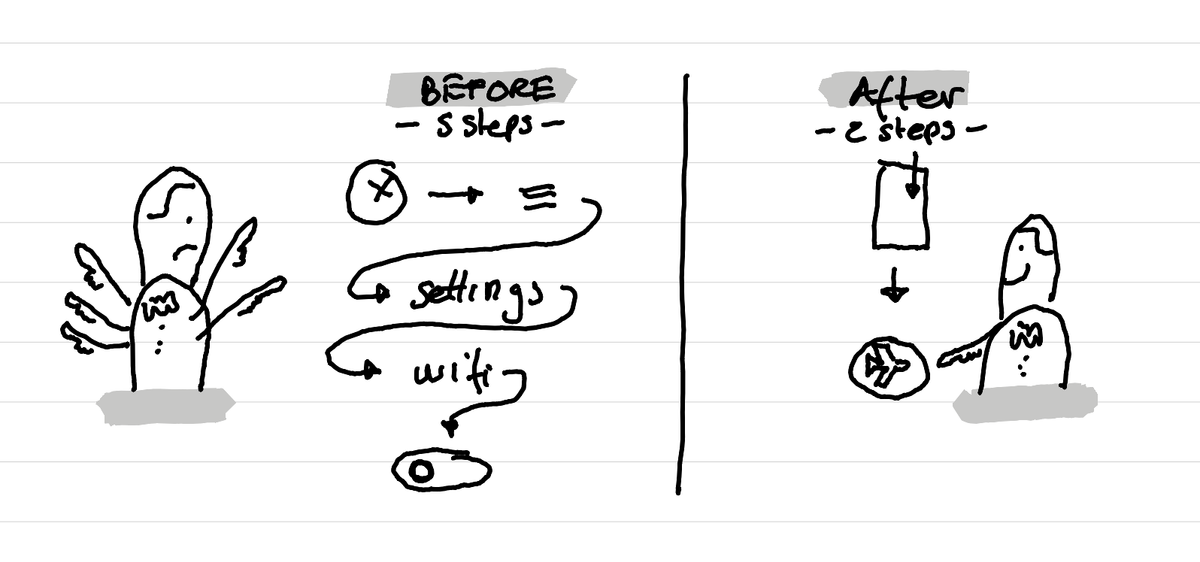
To make this battery life work even longer, you can cut the wifi when you don't need it. To activate the wifi, you have to do several taps:
close the document > hamburger menu > settings > Wifi > Wifi toggle.
That's a bit long to do a quick synchronisation.
The tiny hack
But there is a trick.
You can keep the wifi active, but then set the tablet on Airplane mode. Then when you are in a document you can swipe down from the top right. There you find the airplane mode toggle, which then automatically activates the wifi.
So it's not anymore 5 steps but 2.
This article was written on a refurbished Remarkable II tablet with a type folio cover. The illustration was made drawn by hand on the same tablet.
Related articles
Why I've stopped looking at the number of people registered for events?
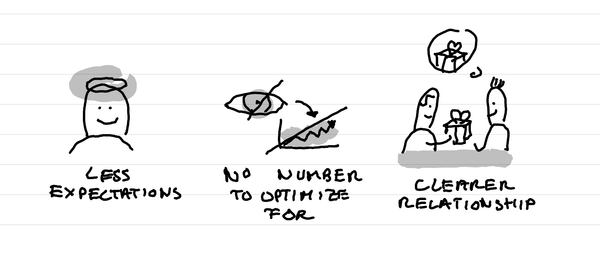
In short: it creates less expectations, it takes out a number that I can fight to optimize for, it makes clearer in the relationship that this is not a lead magnet and naturally selects participants who are really motivated.
Why I love tiny one day retreats with train and alps?
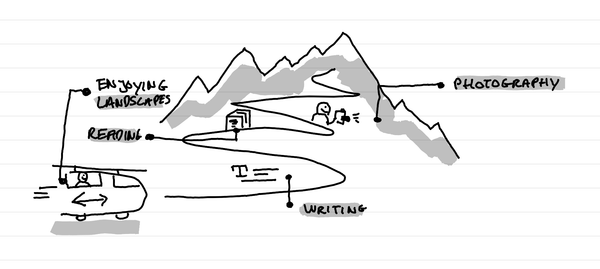
In short: it's a great time to write, read, enjoy landscapes and come back to a photography practice. It's a time of calm solo presence that recharges batteries.
How I kept my gratitude journal visual when moving from Notion to Remarkable?
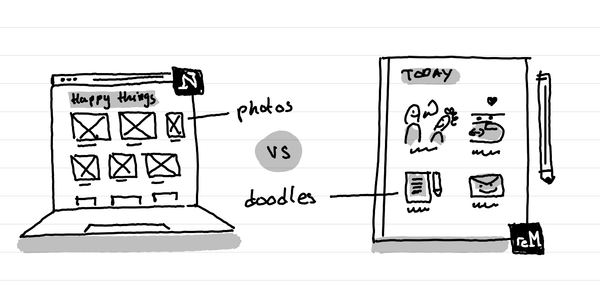
The short answer: instead of having photos and screenshots, I now have little doodles as a visual summary of my day.