
What are the few things I would change on the Remarkable tablet OS, device and Mac app?
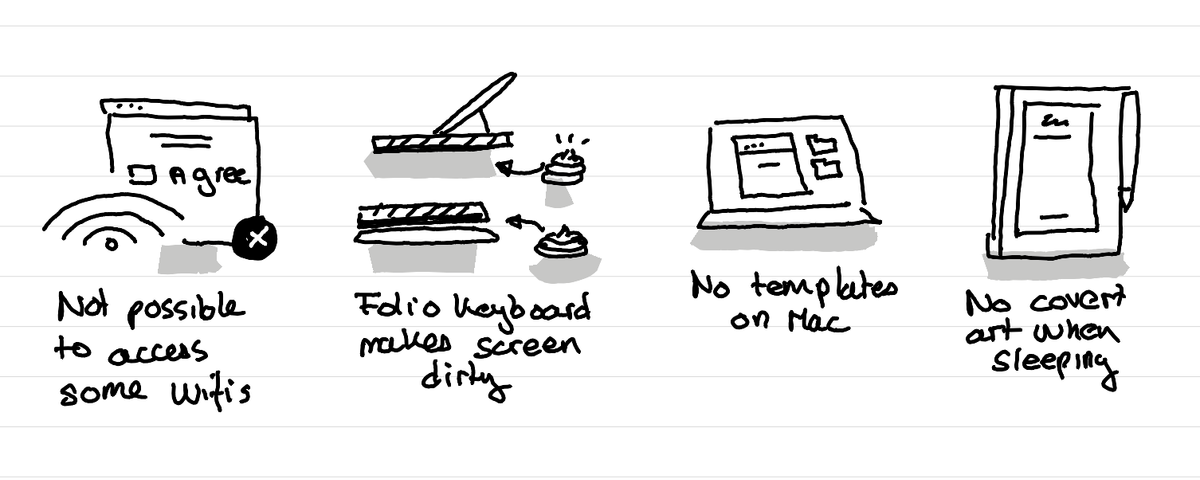
In short: Not possible to access all wifi, folio keyboard makes screen dirty, mac app hasn't templates, no cover art when off.

I'm using now a refurbished Remarkable II tablet since a few months. It's now well embeded in my life and I have clarity about the few things that could make it even better for me:
Not all wifi work
The wifi on the tablet makes it possible to sync stuff between the tablet and my mac. That's nice. The wifi I have at home and work is one of those that you have to open a browser window and accept the terms of service to be able to go on the web. On the Remarkable tablet I can access the wifi but that browser window can't open. So I don't get any internet access.
Folio keyboard makes the screen dirty
The folio keyboard is great for writing especially in bumpy trains. But the way it's build makes it so that the part of the folio which touches the table (which can be dirty) then comes on the screen when you fold it back after use. So the dirty stuff ends up directly on the screen.
No templates in the Mac app
I'm using now more the Remarkable app on Mac. This allows me to start a note on my computer later on the Remarkable tablet. and then finish itOne thing missing on Mac is the ability to set the template that comes behind the note. It's a small thing but it means that when I open a note them on the tablet the first thing I need to do is change the background template to "small lines" as it's the template that helps me write straight.
Cover art when off or sleeping
The Remarkable really feels like a paper notebook. But when it's of it can't show a nice cover like your real notebook shows when it's closed. That's definitely just a thing to make this tool feel more personal and not having it doesn't make it harder to use. I know there are hacks to make this happen, but the feel too geeky even for me.
This article was written and illustrated by hand on a refurbished Remarkable II tablet. The handwritten text was converted to typed text with the Connect Service by Remarkable. If you are curious you can download the original note below.
Related articles
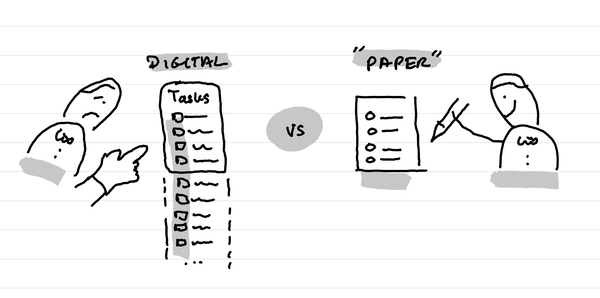
Why I like limited inboxes for productivity?
In short: our time and brain space is limited and therefore our Inboxes for tasks and reminders should too. Friction in productivity can help have a calm life.
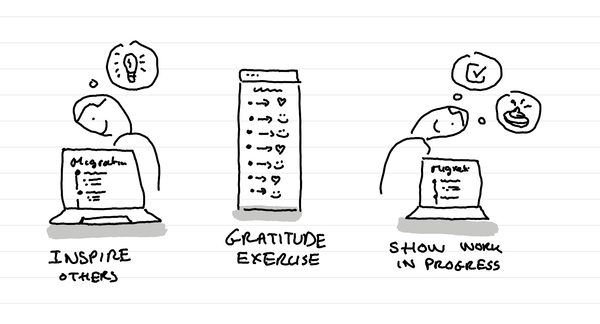
Why I created a migration or changelog page on my website?
In short: it shows to other educators that want to build a similar website what it takes, without having to write an article for each tiny change. It's a gratitude exercice and it shows it's still all a work in progress.
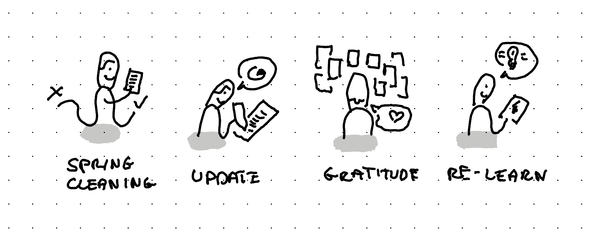
Why I've decided to migrate manually all my content from Podia to Ghost?
In short: it's like a spring cleaning that helps you decide what to keep and what to throw, it lets you update broken things and elements where you change ideas, it's a good gratitude exercice and it helps you re-learn lessons you forgot and realize what you had.