
Why notion is now the perfect tool to make your first book

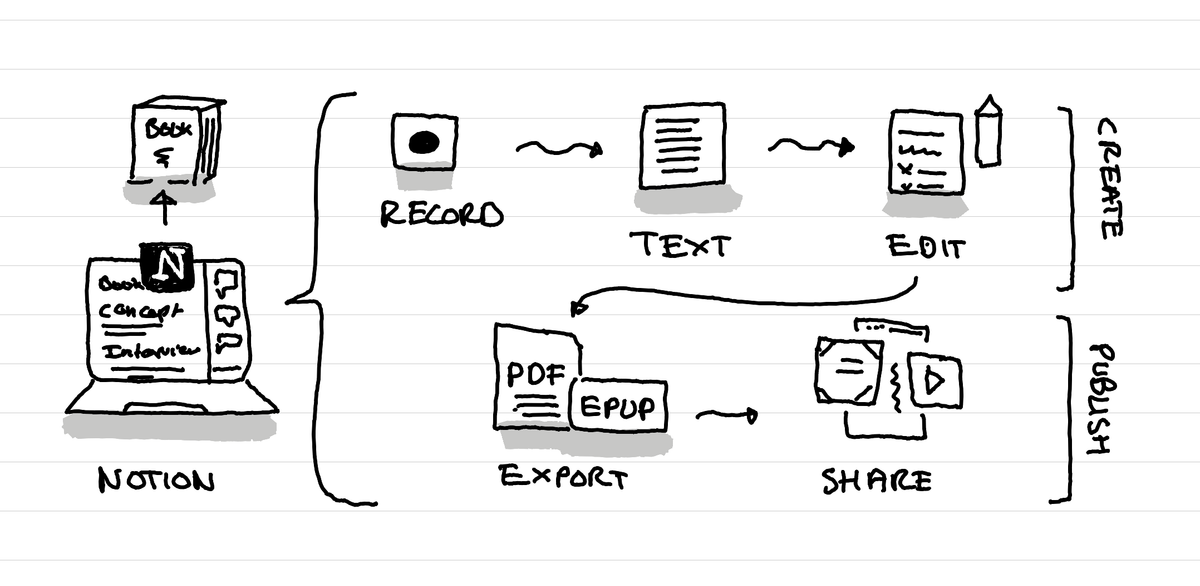
Notion can now help you not only write your book but also create the layout and PDF files to send it to a print on demand service like Lulu and even create the marketing material so that people can discover it.
Notion for writing a book
Notion has always been a nice tool for writing. It's one of the best interfaces to write and think while you write. You don't have to think about formatting, it's a joy to write in it, and the system of moving blocks makes it very easy to adapt your book on the fly.
Notion to turn an interview into a book
Not everyone likes to write. Therefore many people who have ideas and experiences that would make a great book don't do it, because writing isn't easy. With the Notion Meeting notes, you can have Notion help you turn an interview of you chatting with a friend about all what you learned into a transcript. This transcript can then be used with Notion AI to write a first draft of your book.
Editing is much easier. You adapt things, remove things, add things. Yes it's a long process, but in terms of mental energy and stress level, editing a first draft is way more easy that the stress of writing your first draft.
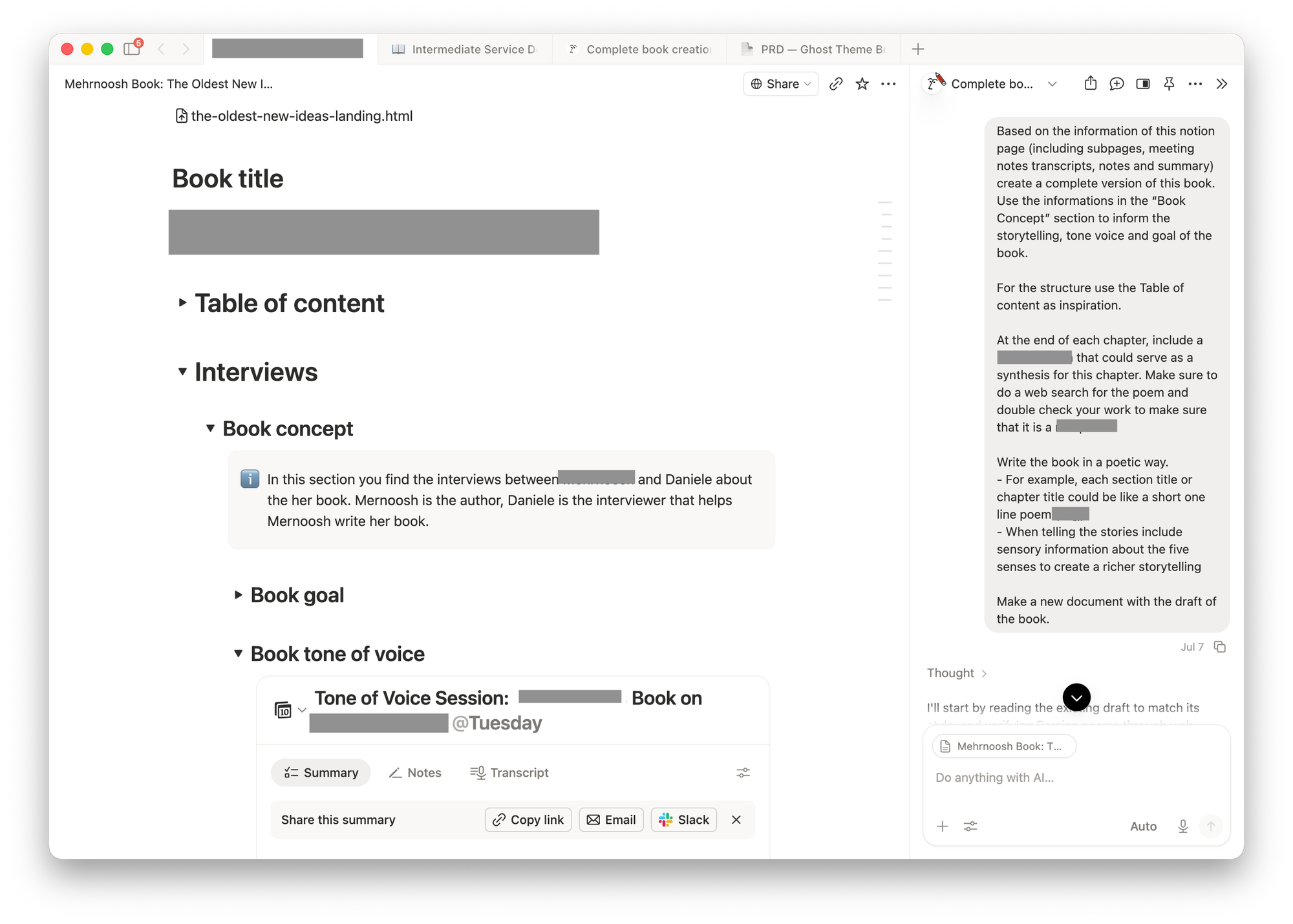
Notion to create your book layout
Until a few days ago, you then had to to bring the text of your book into a design tool to transform it into a PDF that you could share or send to a printer.
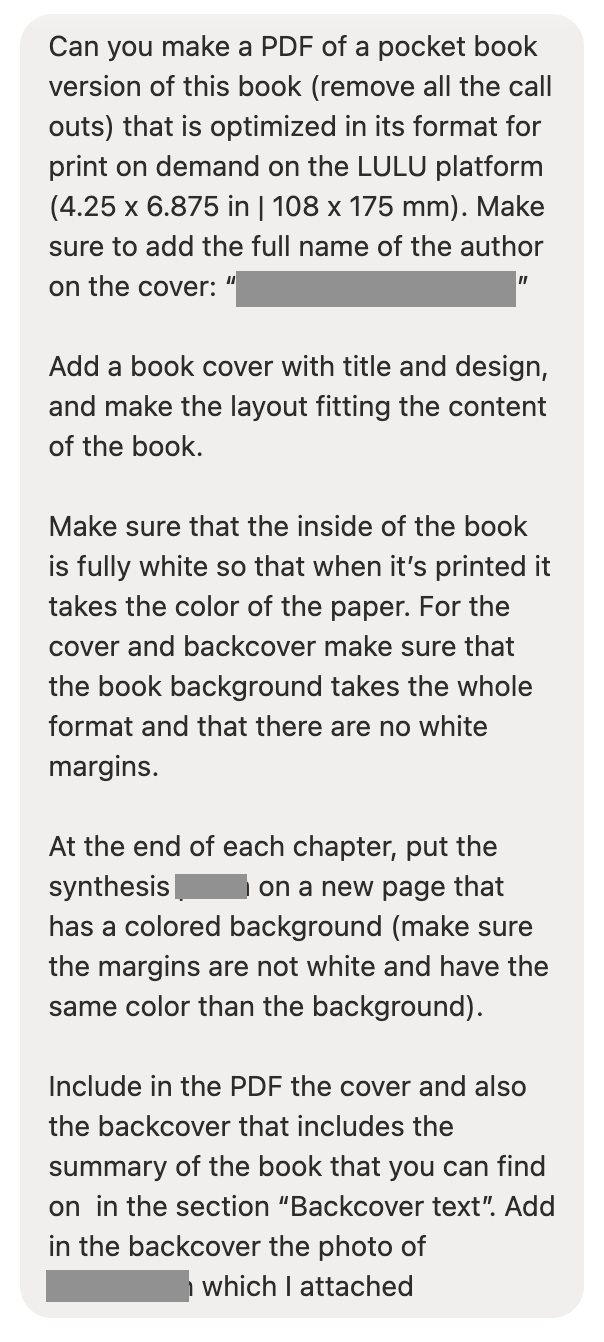
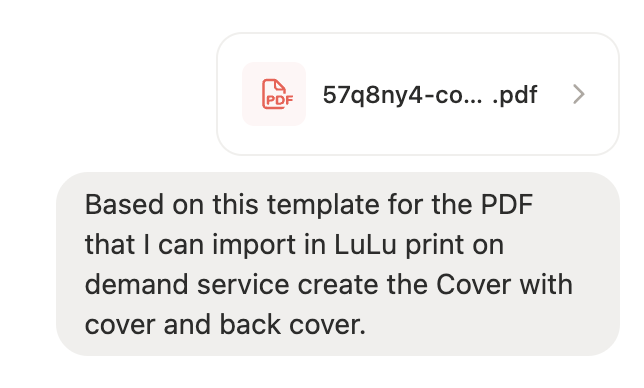
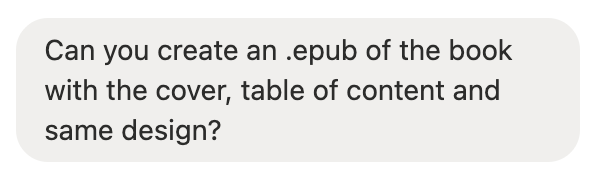
A few examples of very simple prompts for creating marketing material for a new book
Now you can do that directly within Notion with just a prompt:
Notion to create the marketing material for your book
Now that Notion can create PDFs and other design files, it's also very easy to create a landing page for a book, or social media post images and other marketing material around your book.
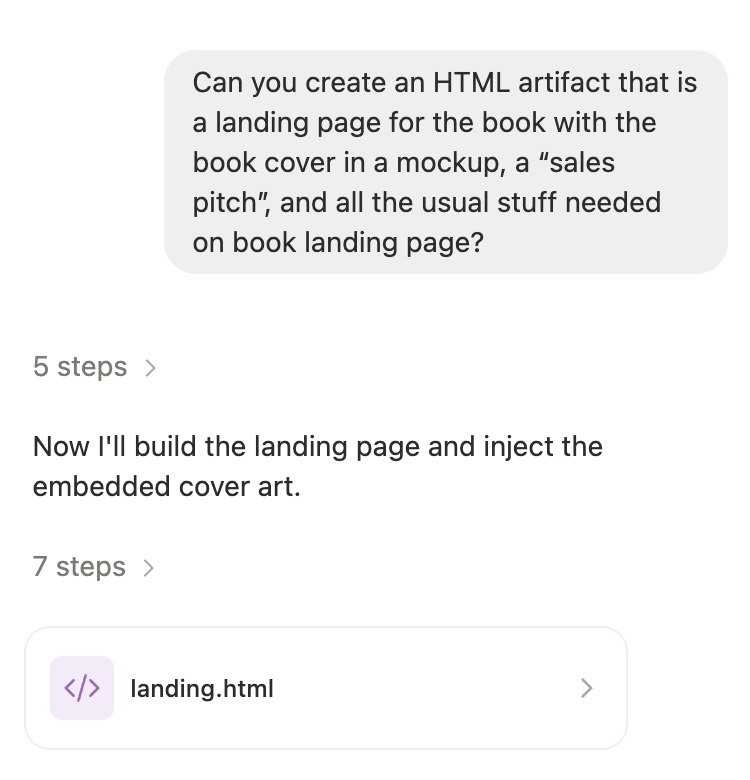
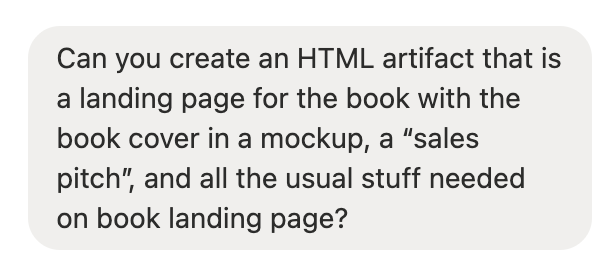
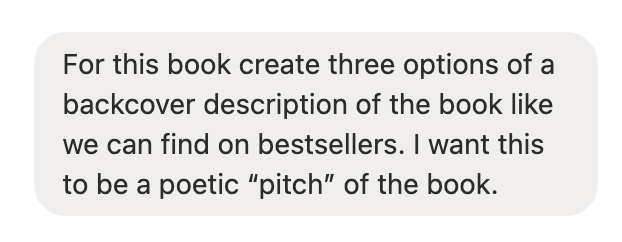
A few examples of very simple prompts for creating marketing material for a new book
Notion is now a great book creation tool
I've been helping out a friend create the first shitty draft of her book, using only Notion. From interview, to design to even prototyping marketing material for it. And that workflow is really nice!
What makes this a great workflow for me:
- It's all in one tool, there is no copy and paste from one tool to the other and no switching tools or having different subscriptions.
- Notion UI is one I really like and it feels like a joy to work on it, therefore it makes the whole process also nicer.
This allows me to continue to help other friends create the first draft of their first book much more easily. I can just show them my process while we are doing it, and copy and paste the prompts I use so that they can redo it all by themselves.
This article was written on a refurbished Remarkable II tablet with a type folio cover. The illustration was made drawn by hand on the same tablet.
Recommended articles
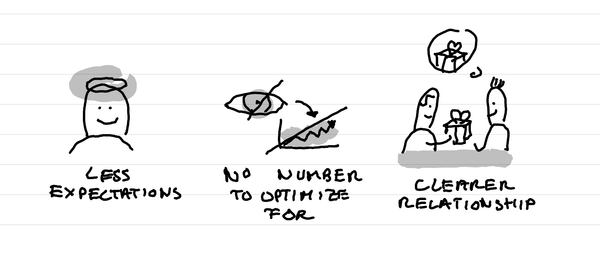
Why I've stopped looking at the number of people registered for events?
In short: it creates less expectations, it takes out a number that I can fight to optimize for, it makes clearer in the relationship that this is not a lead magnet and naturally selects participants who are really motivated.
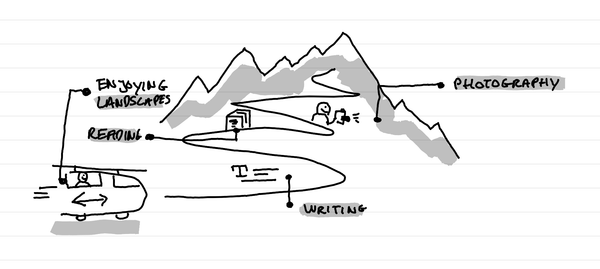
Why I love tiny one day retreats with train and alps?
In short: it's a great time to write, read, enjoy landscapes and come back to a photography practice. It's a time of calm solo presence that recharges batteries.
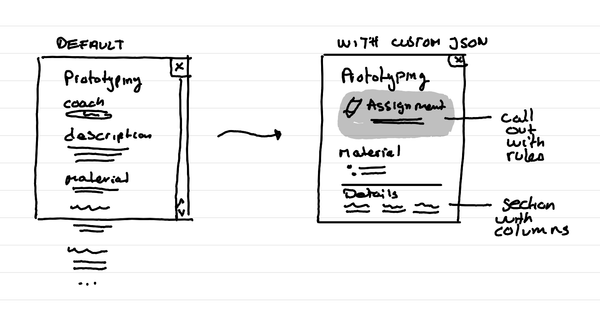
How to format Microsoft Lists for a course schedule so that it doesn't suck?
In short: with custom JSON code, that you can ask an LLM to help you write, you can adapt how the details of a session in your course look like.