
What are the shortcuts I've setup on my Punkt MP02 dumb phone?
In this short article I share my 4 shortcuts on my MP02.

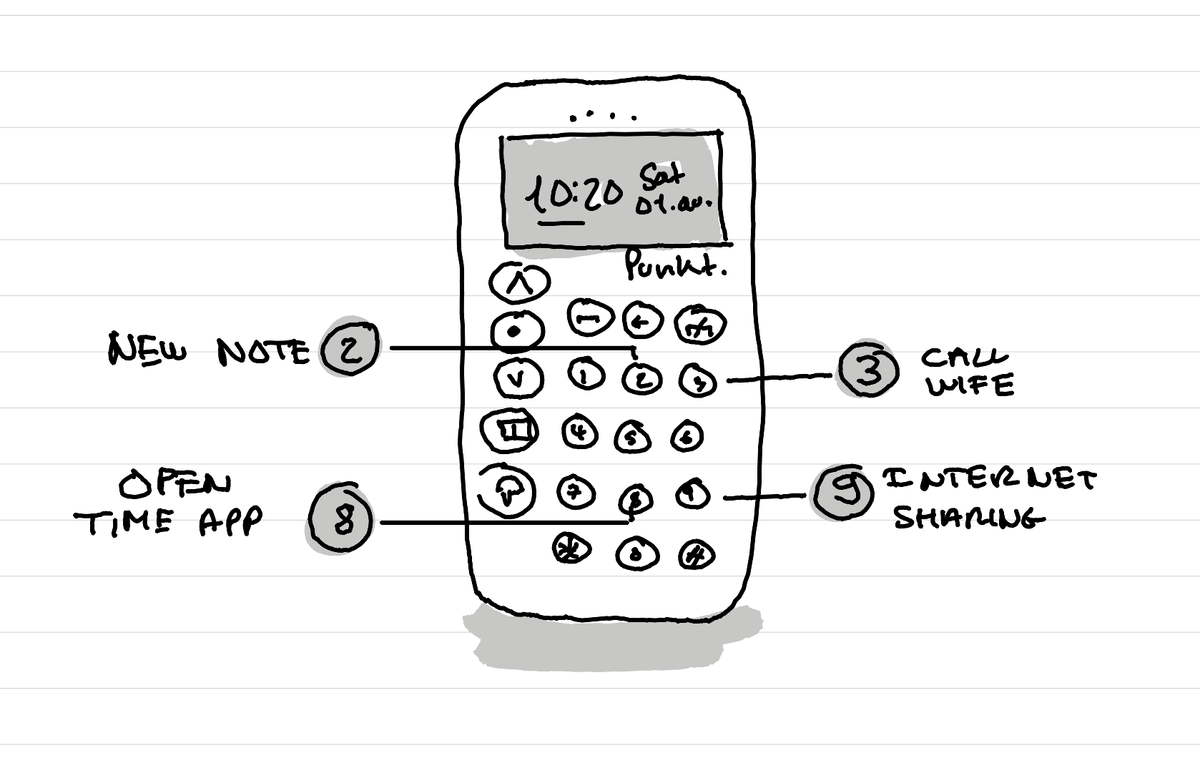
Classical mobile phones with a numbered keyboard, like the Punkt MPO2, have often a nice feature: keyboard shortcuts. Long press one of the numbers and you can make a call to a person, or launch an app.
My shortcuts
Here are the shortcuts that I have activated on my Punkt MPO2 phone with long presses:
- 2: create a new note
- 3: call my wife
- 8: open the time app with alarms and timers
- 9: toggle tethering (sharing of 4G connexion for my laptop) on or off.
How to activate the shortcuts
On the Punkt MPO2 phone you can setup the shortcuts by going in these menus:
dot > Settings, Preferences, Shortcuts.
What shortcuts are missing on the Punkt MPO2?
There are two types of shortcuts that don't exist on the MPO2 Punkt phone that I'd like to have:
- Direct timer, alarm access
- Write a message directly to a pre-defined contact, like being able to press 4 then have a message ready for my wife.
Also it would be nice to change the default shortcut of the key 1 that goes to voicemail that you can't change.
This article was written and illustrated by hand on a refurbished Remarkable II tablet. The handwritten text was converted to typed text with the Connect Service by Remarkable. If you are curious you can download the original note below.
Related articles
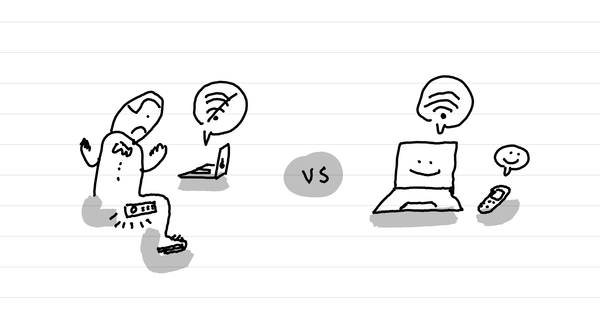
How to not get your Punkt MP02 to overheat and shut down when in internet sharing mode
The short answer: don't leave it in your pocket.
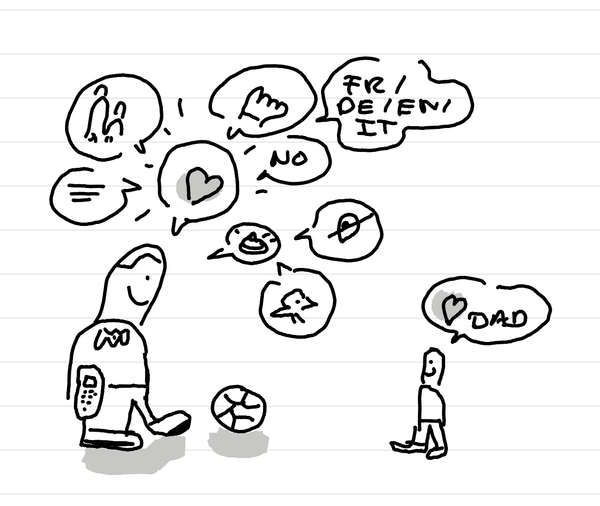
How is it after two weeks with a Punkt MP02 dumb phone?
In short: the transition is strangely easy because I've been at it for years. It's a great example for my kid, still I miss a navigation app.
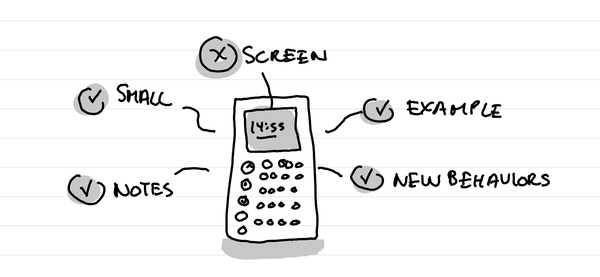
What are some early thoughts after 2 days using a Punkt MP02 phone?
In short: It's a lovely small dumb phone that sets a good example, forces new behavior and has a surprisingly good mini notes app with reminders.