
How I've automatically added my calendar to my Remarkable tablet without huge hacks
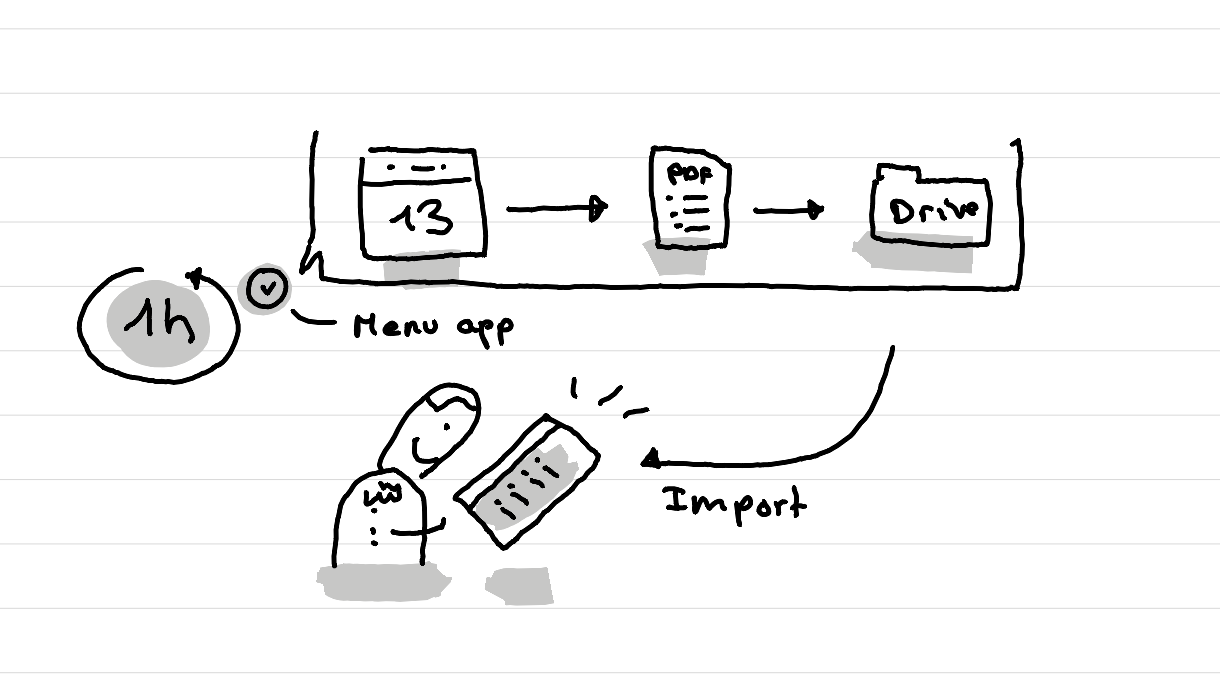
In short: I've built a tiny menu bar app that automatically turns my calendar into a PDF and adds it to Google Drive each hour. Then I can import the calendar when I need to my Remarkable with the Google drive integration.

Why I want to have my calendar on the Remarkable
In the morning I don't want to start the day by opening my computer. My refurbished Remarkable Tablet II helps a lot for that. I can plan my day on it, review my reminders, do some writing, etc.
But each morning I've still had to open my laptop to see my calendar for the day, to note down the key events.
So I was looking for a way to get my calendar on the Remarkable.
What I've tried and explored
There are multiple ways to get this done.
First I tried to switch my whole calendar system to the Remarkable. Basically using the Remarkable as my calendar. But that didn't work well for me, as I still had to keep my Apple Calendar on my Mac for all the video call details.
There is also a calendar integration now on the Remarkable. The issue is that it doesn't support Apple Calendar, and the university I work at, blocks other apps from getting access to the Outlook calendar feed.
I've then looked into different hacks that make it possible to expand the Remarkable features. But after watching a few videos of how people set this up, that felt like too unstable for me and would break a little bit the idea of having a device that is really focused. Once I open the pandora box of having other apps on the Remarkable, that can create some issues for me.
What works for now
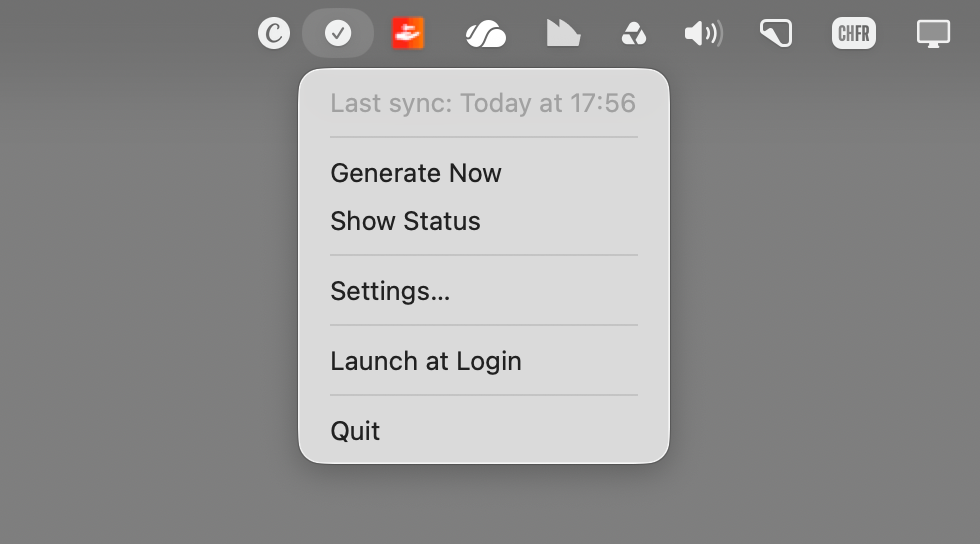
At the moment what works is to have a custom menu bar app on my Mac that exports the next 7 days of my Calendar as a PDF in Google Drive automatically.
Then with the Google Drive integration on the Remarkable tablet, I can import that PDF and see my calendar of the day.
How I built it
I created this tiny menu bar app using Glaze, an app made by the creators of Raycast. It's a sort of vibe coding tool but made to create tiny custom Mac apps. Compared to other such vibe coding tools, this one can create tools that access your calendar, your email, etc. It really integrates well in the apple ecosystem.
What I've learned when creating this app
I didn't get this app to work from the first try. First I wanted to use the Remarkable Connect service to automatically sync the PDF to my tablet. But that just didn't work. So I then switched to use parts of what already exist with simple automation.
- Launch the app automatically: that's a core feature of Mac Os
- On launch of the app make an export of the calendar as a PDF
- Export the calendar each hour automatically so that if I add an event during the day it updates the calendar
- Use the existing integration with Google drive by simply telling glaze to save the PDF in the Google Drive folder without passing by Google drive itself.
So the learning here, is to not fight too much with the different services, but try to use different pieces that already exist, while adding as little custom stuff as possible.
Other approaches I haven't tried
After having created this tiny app and having written the first draft of this article, I did a new search and found these other tools that exist, that I didn't try yet, but might be interesting:
As often, it's once you fixed a problem that you find out that there is another way to fix it. So this brings me to another learning: do a deeper search next time.
This article was written on a refurbished Remarkable II tablet with a type folio cover. The illustration was made drawn by hand on the same tablet.
Related articles
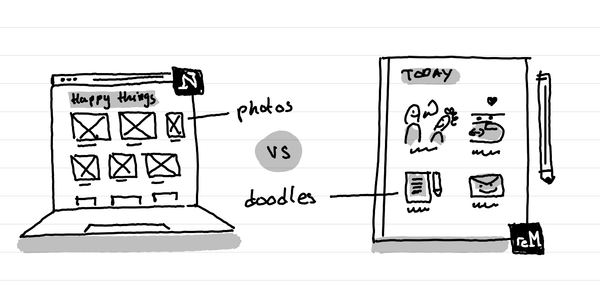
How I kept my gratitude journal visual when moving from Notion to Remarkable?
The short answer: instead of having photos and screenshots, I now have little doodles as a visual summary of my day.
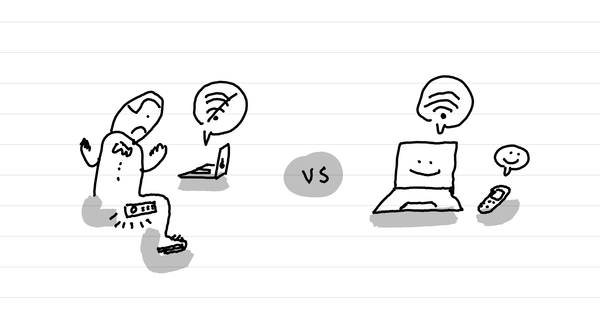
How to not get your Punkt MP02 to overheat and shut down when in internet sharing mode
The short answer: don't leave it in your pocket.
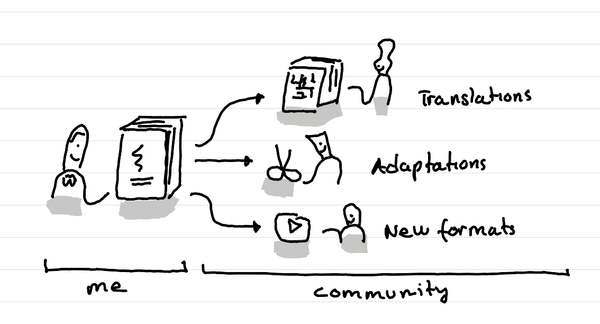
What's the beauty of putting your content under a creative commons license?
In short: others can translate, adapt and spread your ideas.