
How do I use stations in a prototyping course?
In short: sometimes I setup different tables and workspaces with exercises, challenges and materials that learners can use to develop their prototype. Learners can pick and stick to a station or move from one to the other.

In my coaching approach I often offer a menu of options of the type of Daniele people can get. This week I used a similar idea.
Instead of creating one program for everyone I created different stations that learners could pick and spend time in.
Each station had:
- A mini hand made poster with a prompt or a tiny how-to guide
- Material to use in the session
- The furniture needed for the session placed in a specific way (chair, table, wall)
Here a few photos of this tiny stations:
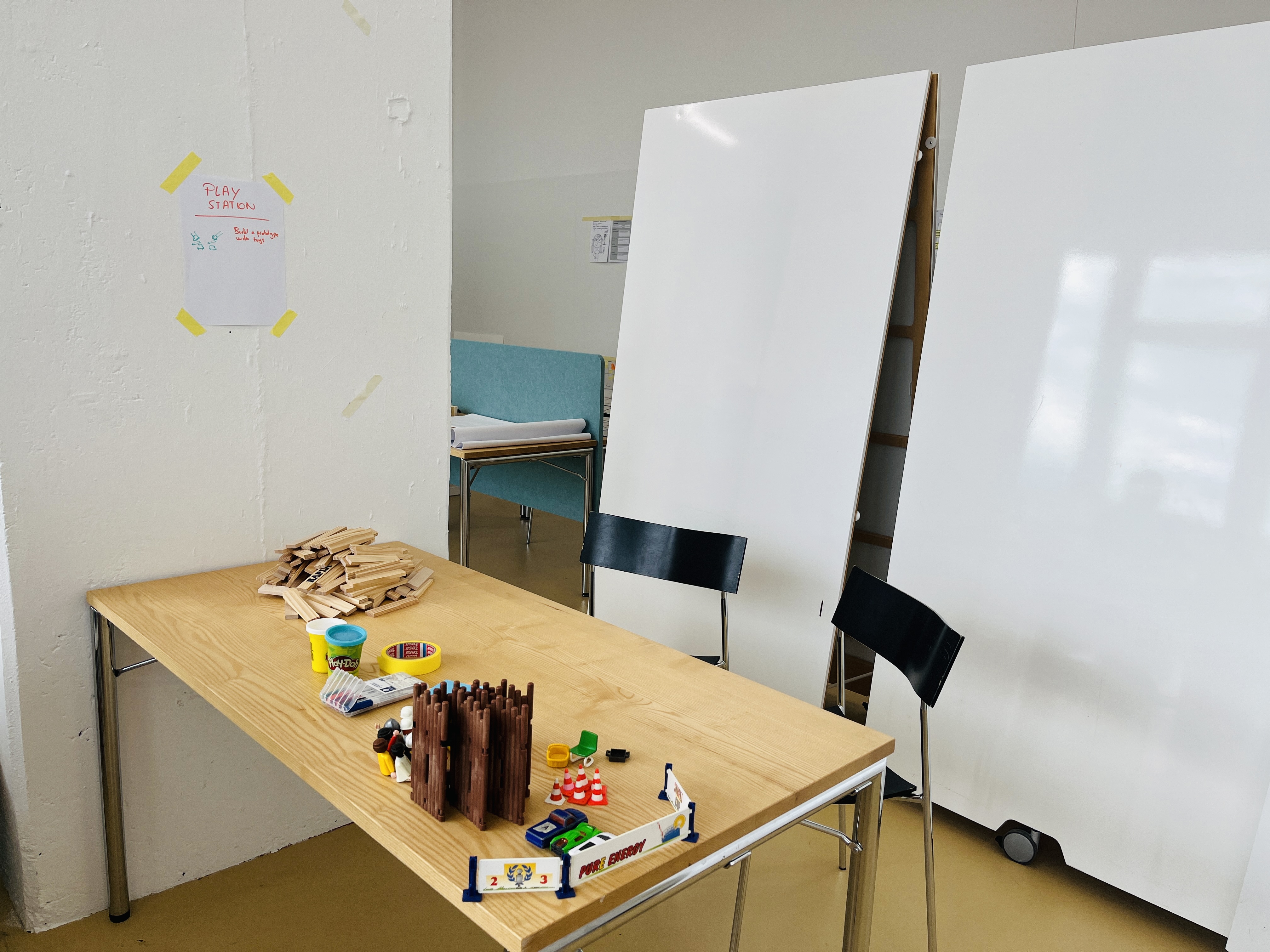
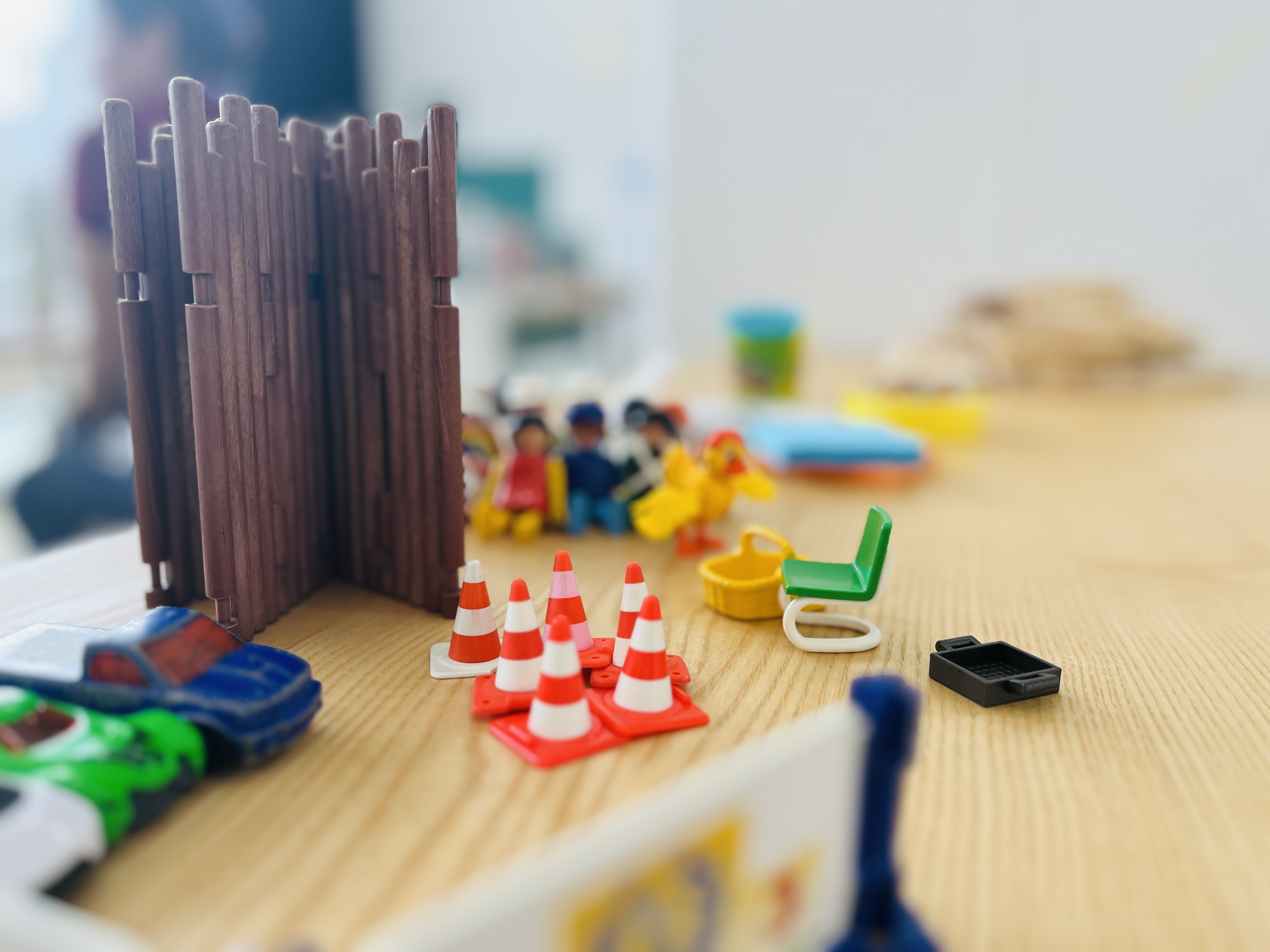
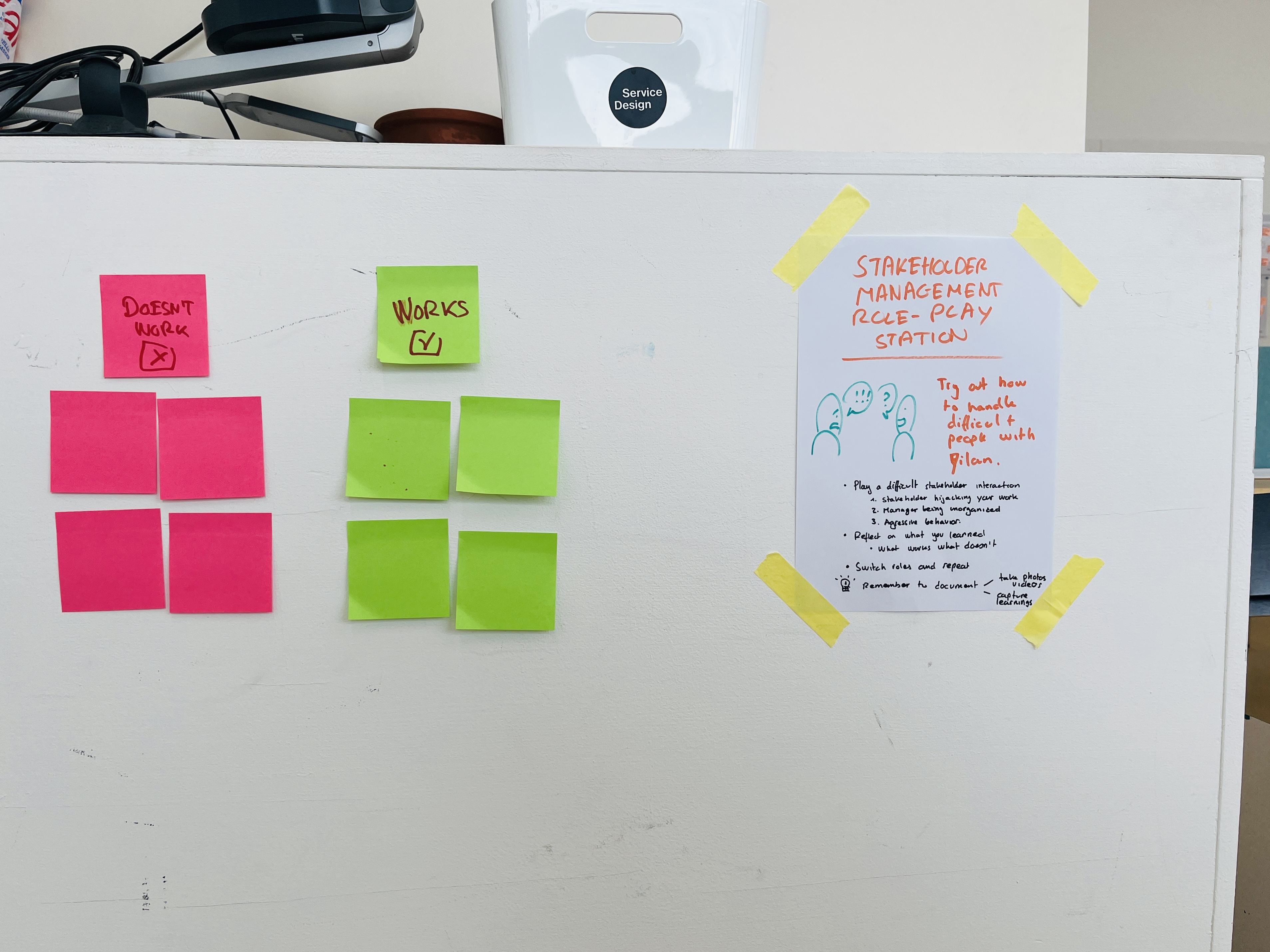
As the photos show it, a good old hand made sign does the trick.
By the way, this is also something that is often done in Sunday church services by pastors.
This article was written and illustrated by hand on a refurbished Remarkable II tablet. The handwritten text was converted to typed text with the Connect Service by Remarkable.
Related articles
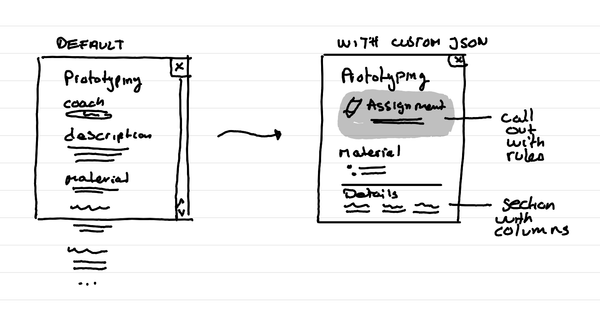
How to format Microsoft Lists for a course schedule so that it doesn't suck?
In short: with custom JSON code, that you can ask an LLM to help you write, you can adapt how the details of a session in your course look like.
How to create a small course hub in a teams channel
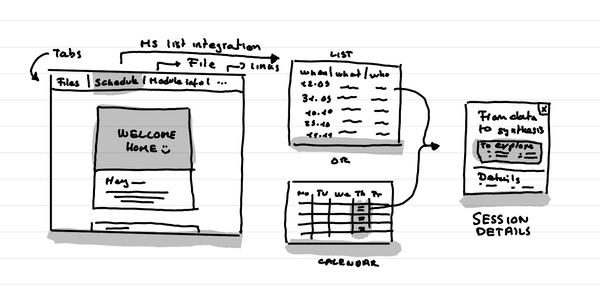
In short: Use tabs to link to key documents, and resources. Use Microsoft List as an integration to put the schedule that shows as a list or a calendar.
Why do I love big organization HQ tours in Service Design education?
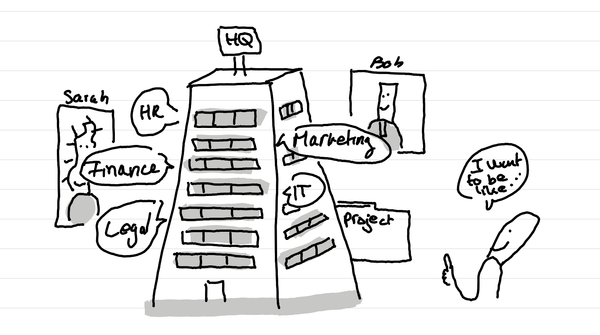
In short: access many nerds in one go who are in the thick of it with different professional postures. And it can lead to projects for learners.