
How do I grade documents on the Remarkable tablet?
In short: On the remarkable I highlight and make quick hand made notes, that I then type in a first draft. On the mac I turn this first draft into a proofread final grading that I put in the right format.

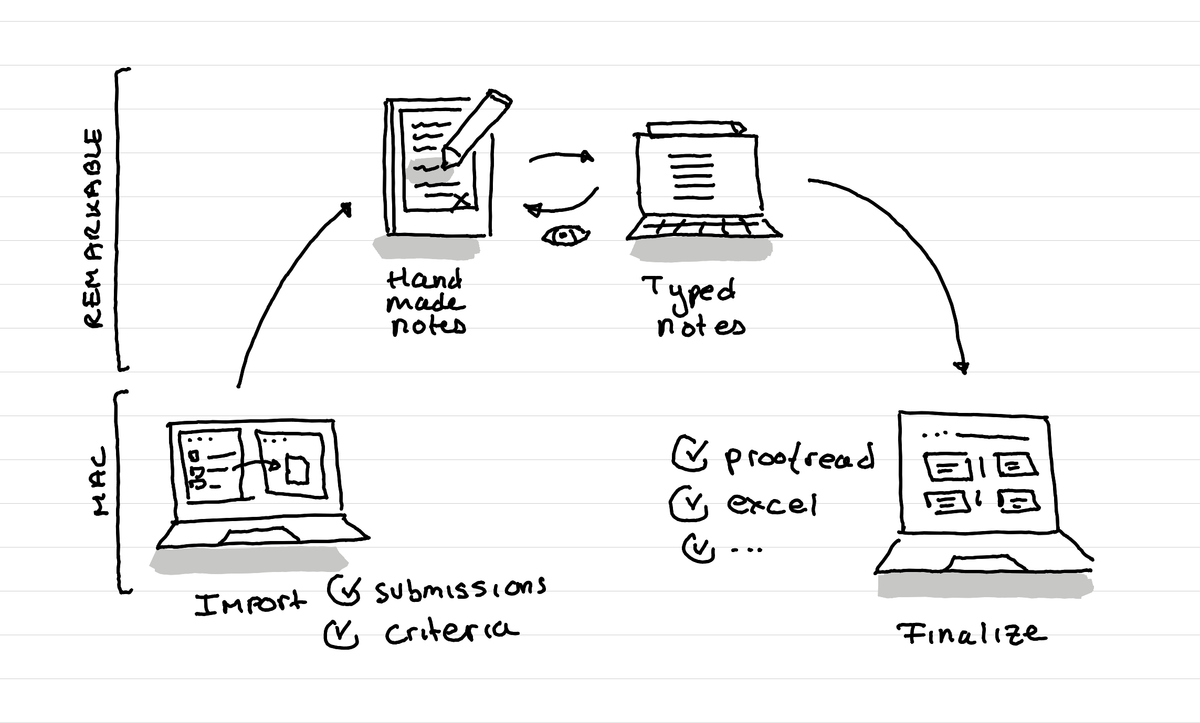
How I do it
As I've decided to move a lot of my thinking, writing work from my computer to the Remarkable tablet, I've also started to do the grading of the documents by the learners I supervise on the Remarkable.
Advantage one: focus
What I really like about grading on the remarkable is that it focuses me totally. I can't open a link and then finish totally elsewhere.
Advantage two: grading package
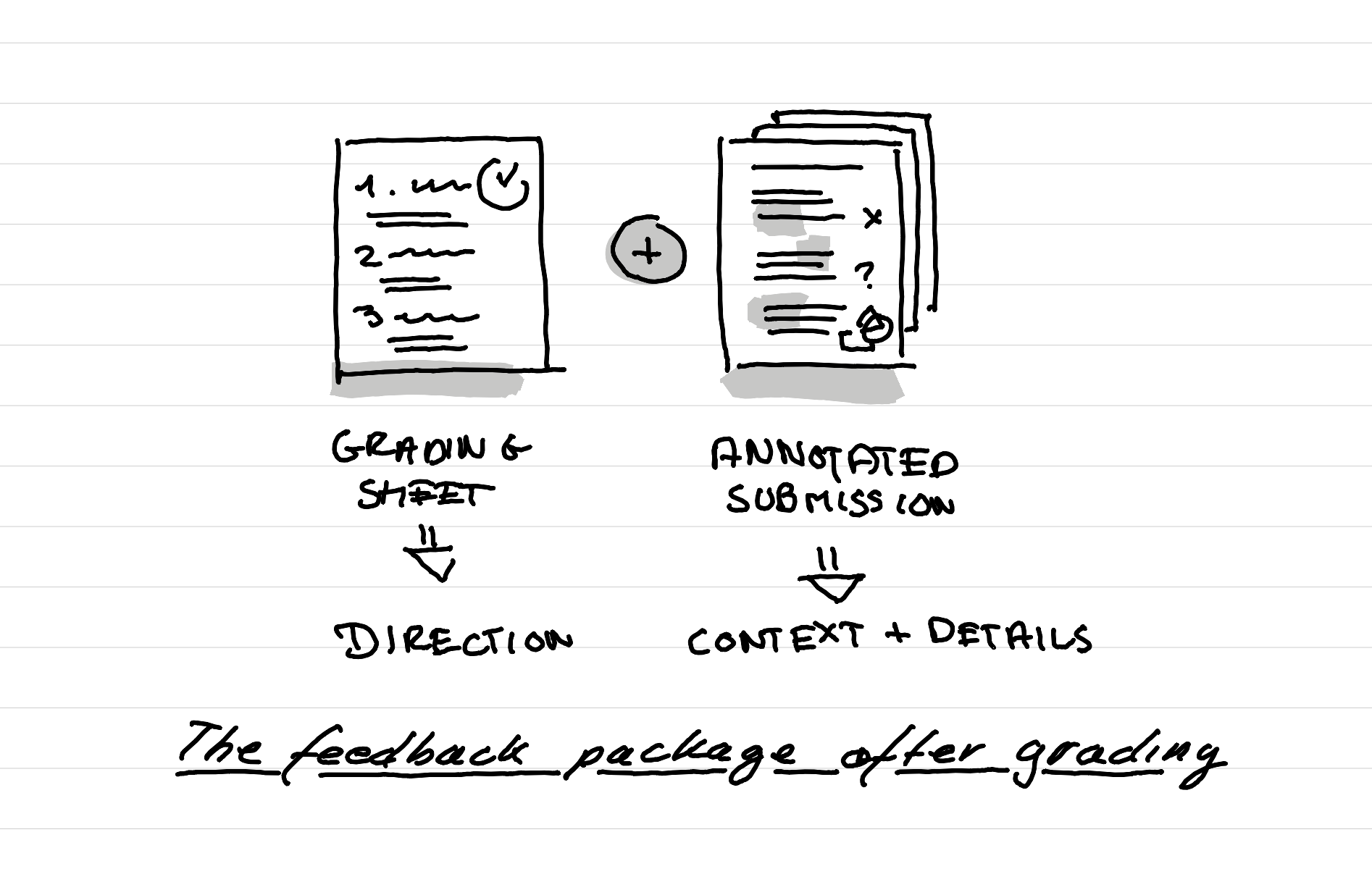
Another advantage is that I can, in a coaching session, review with the learners the hand made notes to show them in context where there were details that don't make it in the final grading (that needs to be short) but that still might interest them.
In this way the official grading sheet gives the general direction, and the annotated submission gives the learner the context of why exactly the feedback looks like this and the tiny details that can be improved very quickly.
This article was written and illustrated by hand on a refurbished Remarkable II tablet. The handwritten text was converted to typed text with the Connect Service by Remarkable. If you are curious you can download the original note below.
Related articles
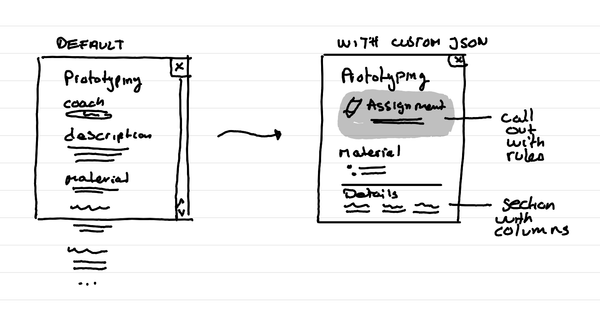
How to format Microsoft Lists for a course schedule so that it doesn't suck?
In short: with custom JSON code, that you can ask an LLM to help you write, you can adapt how the details of a session in your course look like.
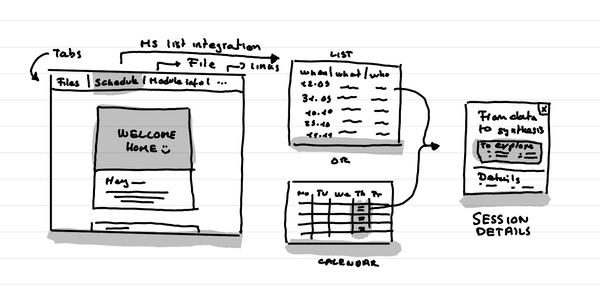
How to create a small course hub in a teams channel
In short: Use tabs to link to key documents, and resources. Use Microsoft List as an integration to put the schedule that shows as a list or a calendar.
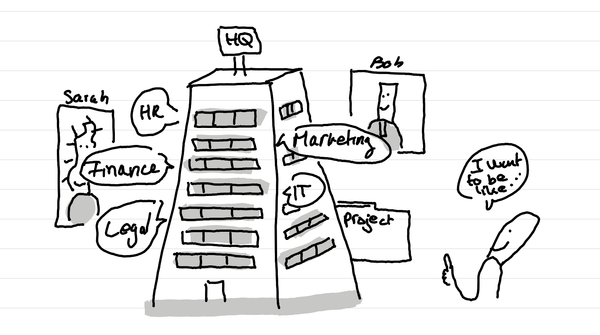
Why do I love big organization HQ tours in Service Design education?
In short: access many nerds in one go who are in the thick of it with different professional postures. And it can lead to projects for learners.